
What is Microsoft Exchange and is it already running your Brisbane business email without you realising it?
If your business uses professional email at your own domain rather than a Gmail or Hotmail address, there is a reasonable chance Microsoft Exchange is the platform running underneath it, whether you have ever thought about it or not.
Exchange is one of those technologies that most Brisbane business owners never need to interact with directly. It just works in the background. But understanding what it is, what it does, and how it is deployed becomes genuinely useful when you are making decisions about email hosting, comparing Microsoft 365 plans, planning a migration, or trying to understand why something has gone wrong with your business email.
This guide covers what Exchange actually is, how it is used by Australian SMBs today, what it does beyond basic email, and what it means for your Brisbane business in practical terms.
Key Takeaways: What Is Microsoft Exchange
- Microsoft Exchange is the email server platform that handles sending, receiving, storing, and organising business email, along with calendars, contacts, and tasks.
- For most Australian SMBs, Exchange runs in the cloud as Exchange Online, included in every Microsoft 365 Business plan.
- Exchange Online is managed entirely by Microsoft, with a 99.9% uptime guarantee and data stored in Australian data centres.
- Exchange does significantly more than send and receive email: shared calendars, shared mailboxes, compliance archiving, email security, and mobile synchronisation are all Exchange features.
- From July 2026, mailbox storage increases to 100 GB per user across all Microsoft 365 Business plans.
- The main alternative to Exchange Online for Brisbane SMBs is Google Workspace. For businesses already on Microsoft 365, Exchange Online is the natural choice.
- XCD IT manages Exchange Online environments for SMBs across Brisbane, the Gold Coast, and the Sunshine Coast.
What Is Microsoft Exchange?
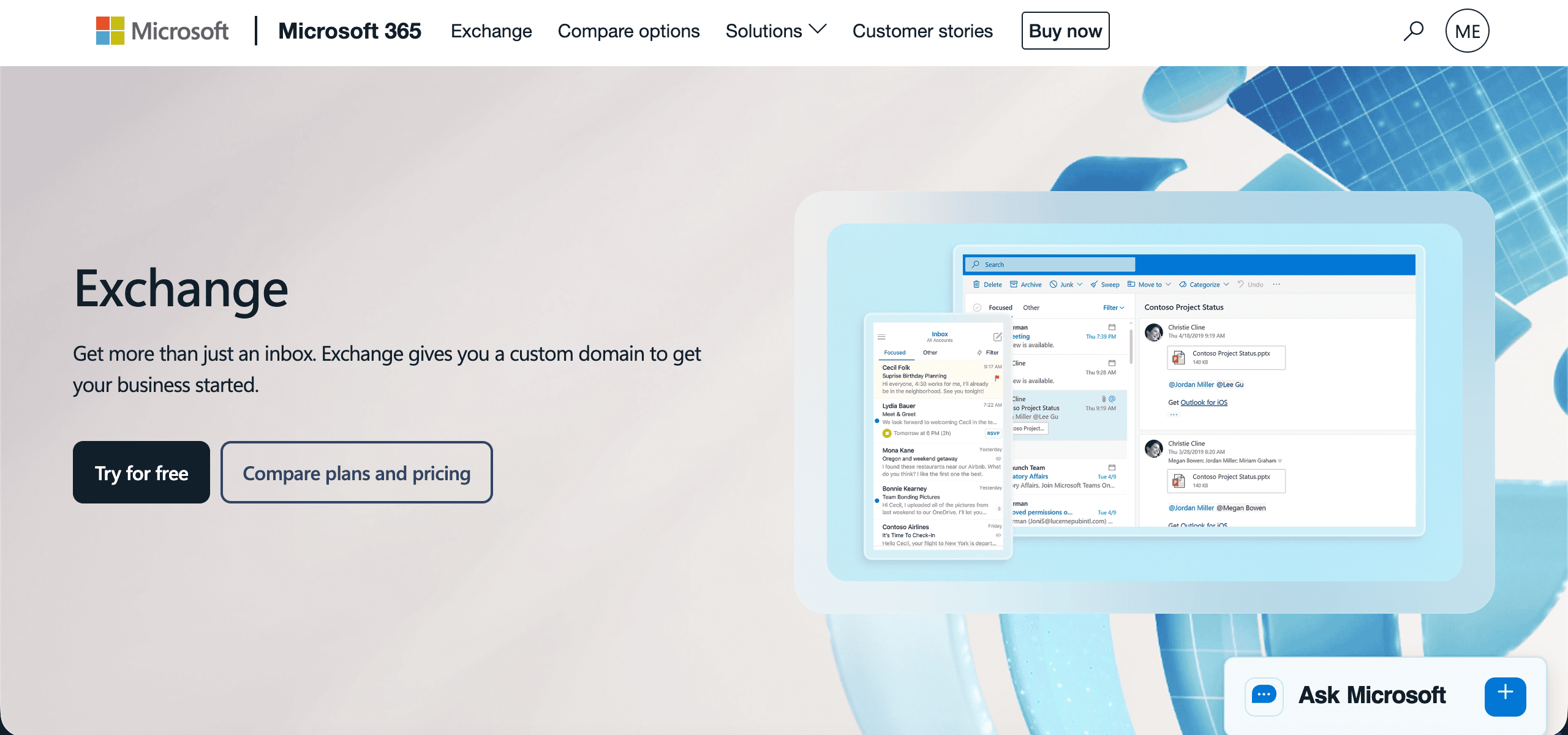
Microsoft Exchange is an email server platform. It is the software that handles sending, receiving, organising, and storing email for businesses. It also manages calendars, contacts, and tasks, which is why it integrates so tightly with Microsoft Outlook and Teams.
First released in 1996, Exchange became the dominant email platform for businesses around the world over the following two decades. For much of its history, it ran on servers installed in your own building or data centre. Today, for most Australian SMBs, it runs in Microsoft’s cloud as Exchange Online, part of their Microsoft 365 subscription.
Most Brisbane business owners never see Exchange directly. They see Outlook, which is the application that connects to Exchange and displays email and calendar in a usable interface. Exchange is the engine. Outlook is the dashboard. The distinction matters when something goes wrong, when you are comparing plans, or when you are planning a migration.
Microsoft Exchange On-Premises vs Exchange Online
There are two ways Brisbane businesses use Exchange, and understanding the difference matters when evaluating your email infrastructure.
Microsoft Exchange On-Premises

The traditional model involves Exchange Server software running on physical or virtual servers in your office, data centre, or hosted server environment. Your organisation owns the software licence, manages the server hardware, handles updates and patches, monitors availability, and is responsible for backups and disaster recovery.
For large enterprises with dedicated IT infrastructure teams and specific compliance requirements that mandate local data control, on-premises Exchange remains relevant. For SMBs, it has largely been superseded by Exchange Online. The management overhead alone, including regular security patches, hardware refresh cycles, storage management, and the need for specialist Exchange expertise, is difficult to justify when a cloud-based alternative delivers equivalent or better functionality at a predictable monthly cost.
On-premises Exchange also carries significant risk for Brisbane SMBs that do not have in-house IT staff. An unpatched Exchange server is one of the most commonly exploited entry points in business network breaches. Microsoft releases security updates for Exchange regularly, and organisations running on-premises Exchange that fall behind on patching are exposed to vulnerabilities that attackers actively target.
If your Brisbane business is still running on-premises Exchange, a migration assessment to Exchange Online is worth scheduling. XCD IT manages these migrations for SMBs across South-East Queensland, including hybrid migrations where both on-premises and cloud mailboxes coexist during the transition period.
Microsoft Exchange Online
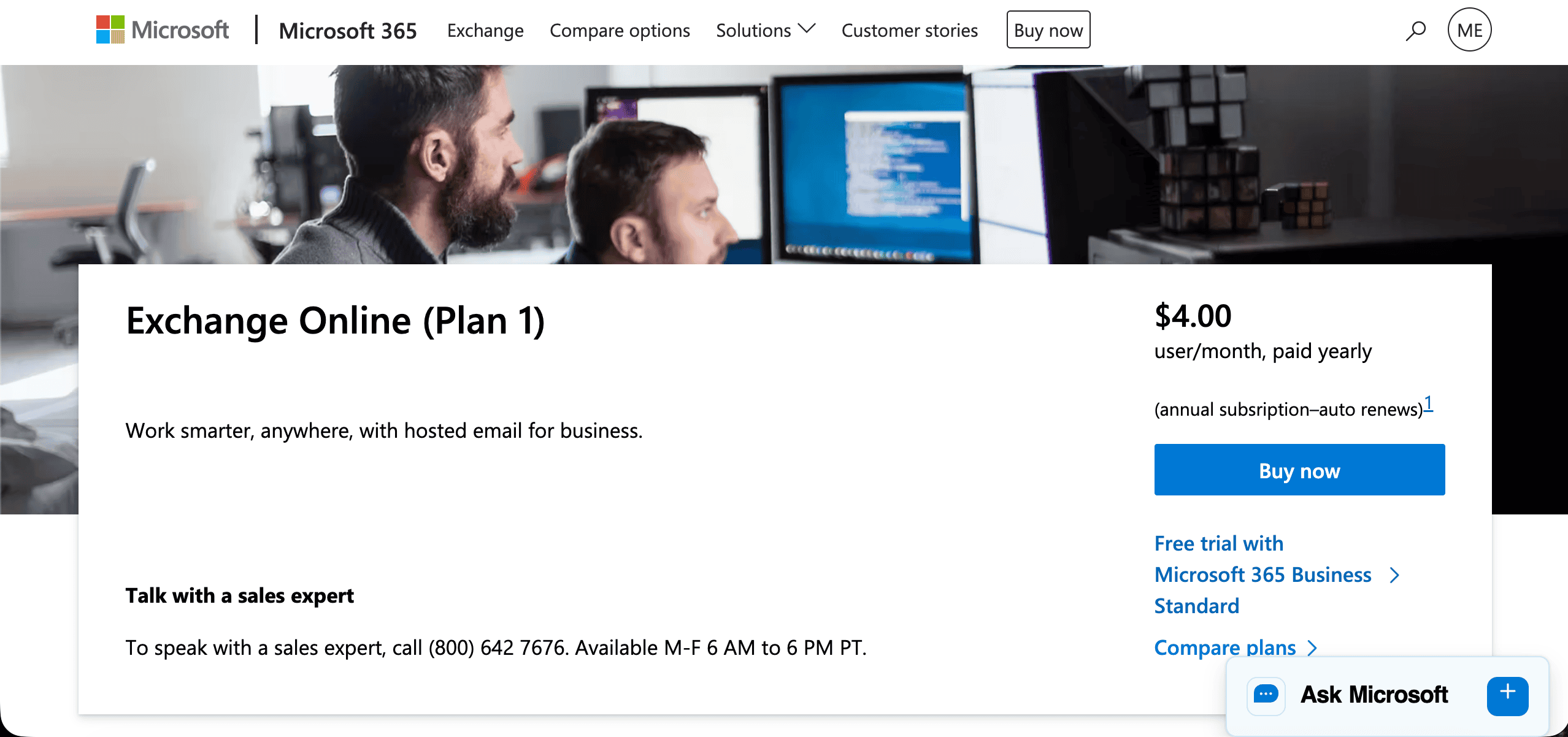
Exchange Online is the cloud-hosted version of Exchange, included in every Microsoft 365 Business plan. Microsoft manages the underlying infrastructure entirely: the servers, the software updates, the security patching, the storage capacity, and the redundancy architecture.
Your Brisbane business gets a fully featured business email platform without a server to manage, without hardware to maintain, and without specialist Exchange expertise required in-house.
Key characteristics of Exchange Online that matter for Brisbane SMBs:
Microsoft provides a 99.9% uptime service level agreement, which translates to a maximum of approximately 8.7 hours of downtime per year. In practice, Exchange Online availability typically exceeds this. For comparison, an on-premises Exchange server managed without dedicated IT resources is unlikely to match this reliability.
Email data is stored in Microsoft’s Australian data centres, which matters for Brisbane businesses with data sovereignty considerations or obligations under the Privacy Act regarding where personal data is stored. Microsoft maintains data centre infrastructure in New South Wales and Victoria, meaning your Exchange Online data resides in Australia by default.
Microsoft invests significantly in the security of Exchange Online infrastructure, including physical data centre security, network security, and the engineering resources to respond to new vulnerabilities rapidly. No Brisbane SMB running on-premises Exchange can practically match this investment.
What Microsoft Exchange Actually Does: Beyond Sending and Receiving Email
Most Brisbane business owners think of Exchange as the thing that handles business email. That is accurate but incomplete. Exchange is a collaboration platform that manages several functions that are foundational to how professional businesses operate.
Shared Calendars and Meeting Scheduling
Exchange enables true calendar sharing across an organisation. Staff can see each other’s availability, book meetings that appear in colleagues’ calendars automatically, and manage resource accounts for meeting rooms, shared vehicles, or equipment.
This level of calendar integration is not possible with consumer email services. When a Brisbane business moves from individual Gmail accounts to Exchange Online, the improvement in meeting coordination and scheduling efficiency is often one of the most immediately noticeable changes.
The Scheduling Assistant in Outlook, which shows the combined availability of all meeting participants before you send an invitation, is powered by Exchange. Room booking that checks a meeting room’s calendar before confirming a reservation is powered by Exchange. Calendar delegation, where an executive assistant can manage a senior manager’s calendar directly, is powered by Exchange.
Shared Mailboxes and Distribution Groups

Exchange allows Brisbane businesses to create shared mailboxes: email addresses not tied to a specific user account that multiple staff members can access simultaneously. Common examples include info@, accounts@, support@, and reception@ addresses where multiple staff need to monitor and respond to incoming messages.
Shared mailboxes up to 50 GB are included in Exchange Online at no additional licence cost, which makes them a practical and cost-effective solution for team inboxes. Staff access a shared mailbox directly from their own Outlook profile alongside their personal mailbox.
Distribution groups allow a single email address to forward incoming messages to a defined list of recipients. When an email is sent to the group address, all members receive a copy in their individual mailbox. This is the mechanism behind team@ or allstaff@ addresses that route messages to everyone in a department or the whole organisation.
Email Archiving and Retention
Exchange Online includes in-place archiving, which provides each user with a secondary archive mailbox that can be configured to automatically move older email out of the primary mailbox.
From July 2026, the primary mailbox capacity is 100 GB per user across all Microsoft 365 Business plans, with the archive providing effectively unlimited additional storage for higher-tier plans.
For Brisbane businesses with regulatory obligations around email retention, such as those in financial services, legal, healthcare, or any industry subject to Australian Privacy Act requirements, Exchange Online retention policies allow administrators to define rules that automatically preserve or delete email based on age, content, or classification.
This provides demonstrable compliance with record-keeping requirements without relying on individual staff to manage their own email housekeeping.
Litigation Hold and eDiscovery
Exchange Online provides litigation hold functionality, which preserves all mailbox content regardless of what users do with their own email. If a staff member deletes messages relevant to a legal matter, litigation hold ensures those messages remain recoverable by administrators.
This is relevant for Brisbane businesses facing or anticipating legal proceedings, regulatory investigations, or audit obligations.
eDiscovery allows authorised administrators to search across all mailboxes for specific content, senders, recipients, date ranges, or keywords. This capability is used in legal proceedings to locate and produce relevant email records, and in internal investigations to review communication related to a specific incident or concern.
Both litigation hold and eDiscovery are available in Exchange Online Plan 2 and Microsoft 365 Business Premium. For Brisbane businesses in regulated industries where these capabilities may be required, understanding which plan includes them is important when making licensing decisions.
Email Security

Exchange Online includes baseline protection against spam, malware, and phishing through Microsoft Exchange Online Protection (EOP), which is included across all Microsoft 365 Business plans. EOP filters inbound email before it reaches user mailboxes, blocking the majority of spam and known malware.
Microsoft 365 Business Premium adds Microsoft Defender for Office 365 Plan 1, which provides significantly more sophisticated email security. Safe Links checks URLs contained in emails in real time at the moment they are clicked, not just when the email arrives.
Safe Attachments opens email attachments in a sandboxed environment before delivering them to the recipient, detecting malicious behaviour that signature-based scanning cannot catch. Advanced anti-phishing policies use machine learning to identify impersonation attempts and business email compromise attacks.
Importantly, none of these email security features work effectively without proper DNS configuration. SPF, DKIM, and DMARC records need to be correctly configured in your domain’s DNS settings to tell receiving mail servers that your Exchange Online environment is authorised to send email on behalf of your domain, and to define what should happen to messages that fail these checks.
Missing or incorrectly configured email authentication records are one of the most common gaps XCD IT identifies in Brisbane SMB environments, and they affect both deliverability and security simultaneously.
Mobile Synchronisation
Exchange provides the protocols that allow smartphones and tablets to synchronise email, calendar, and contacts with Exchange Online in real time. The Outlook mobile app on iOS and Android connects directly to Exchange Online and provides the same mailbox access as the desktop application, including shared calendar visibility and meeting management.
For Brisbane business owners and staff who need to stay across email and meetings while away from their desk, the quality of Exchange Online’s mobile synchronisation is a practical advantage over some alternative email platforms.
Mailbox Storage in 2026
From July 2026, Microsoft is increasing primary mailbox storage across all Microsoft 365 Business plans from 50 GB to 100 GB per user. This is a meaningful improvement for Brisbane businesses where staff accumulate large volumes of email over time, and it reduces the frequency with which administrators need to manage mailbox size issues or purchase additional storage.
For businesses where even 100 GB is insufficient, Exchange Online’s in-place archive provides additional capacity, and higher-tier plans include effectively unlimited archive storage.
How Exchange Fits With the Rest of Microsoft 365
Exchange Online is the email and calendar backbone of the Microsoft 365 ecosystem. Every Microsoft 365 Business plan includes Exchange Online, and the integration between Exchange and other Microsoft 365 services is one of the core practical advantages of the Microsoft platform for Brisbane businesses.
When a staff member opens Outlook, it connects to Exchange Online to display their mailbox and calendar. When they schedule a meeting in Teams, the invitation appears in Exchange calendars for all participants.
When they receive an email with a SharePoint document link, the document opens directly in the browser with full co-authoring capability.
These integrations work because Exchange, Outlook, Teams, and SharePoint all sit within the same Microsoft 365 ecosystem and share identity and data through Microsoft Entra ID.
For Brisbane businesses that have standardised on Microsoft 365, this integration removes friction from daily workflows in ways that are easy to take for granted until you experience a mixed environment where email, calendar, file storage, and communication tools come from different vendors and do not integrate cleanly.
Exchange Online vs Google Workspace for Brisbane SMBs
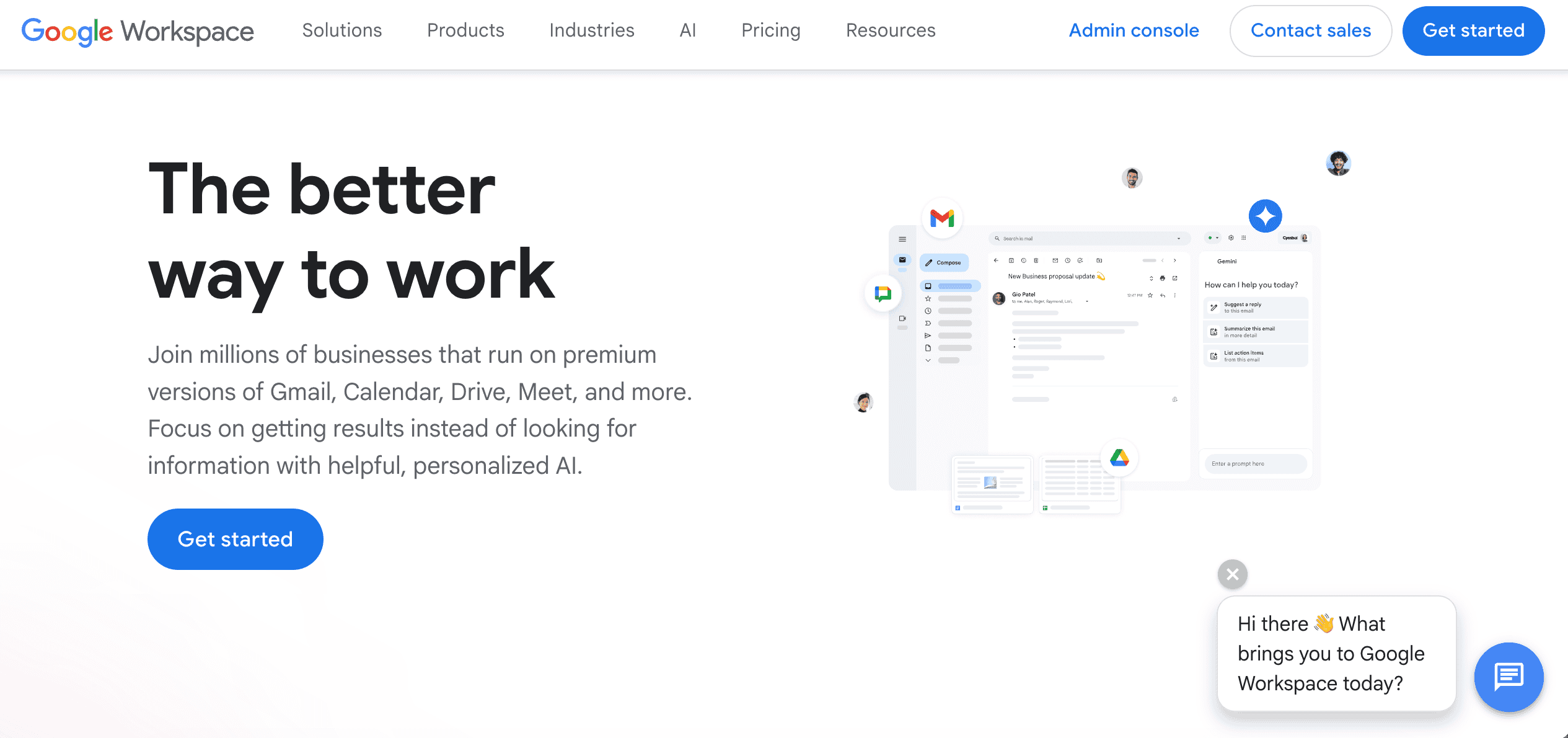
The main alternative to Exchange Online for Brisbane businesses choosing a cloud email platform is Google Workspace, which provides Gmail for business alongside Google Calendar, Google Drive, and the Google productivity suite.
Both platforms are cloud-hosted with Australian data centre options. Both provide reliable uptime, mobile access, calendar sharing, and shared mailbox functionality. Both are used successfully by many thousands of Australian businesses.
The practical decision for most Brisbane SMBs comes down to ecosystem alignment. Businesses already using Microsoft 365 for productivity, Teams for communication, and SharePoint for file management have a strong practical reason to stay within the Microsoft ecosystem and use Exchange Online. Introducing Google Workspace for email in a predominantly Microsoft environment creates integration complexity that most SMBs prefer to avoid.
Businesses deeply invested in Google Workspace for their entire productivity stack have the equivalent argument for staying on Google. The cost and disruption of migrating between the two platforms typically exceeds the operational differences for most SMBs.
For Brisbane businesses starting fresh with no prior investment in either ecosystem, both are capable choices. XCD IT can walk through the comparison in the context of your specific business requirements, team size, and industry.
How XCD IT Helps Brisbane SMBs With Exchange Online
XCD IT manages Microsoft 365 environments, including Exchange Online, for SMBs across Brisbane, the Gold Coast, and the Sunshine Coast. Our work covers the full lifecycle of Exchange Online management: initial setup and domain configuration, migration from on-premises Exchange or other email platforms, email security configuration including SPF, DKIM, DMARC, and Defender for Office 365, shared mailbox and distribution group setup, retention policy configuration, and ongoing management as part of our managed IT service.
We also help Brisbane businesses evaluate whether their current Exchange Online configuration is meeting their security and compliance requirements, and identify gaps that may be leaving their email environment exposed.

Need Reliable IT Without the Surprise Costs?
With XCD IT, you get fully managed IT support for around $100–$250/month per user, with no hidden costs or unexpected bills.
Call 07 3085 7447
For urgent IT issues or immediate assistance
Our support team is ready to help.
Frequently Asked Questions Microsoft Exchange

- 8+ Best Cybersecurity Companies in Brisbane (2026 Guide for SMBs) - November 7, 2026
- 20 Best Managed IT Service Companies in Brisbane (2026 Guide for SMBs) - November 7, 2026
- Co-Managed IT: How It Works With Your In-House IT Team - November 4, 2026


