
Are your Azure security solutions actually configured – or are you relying on Microsoft to handle it without knowing which tools are switched on?
Most Brisbane SMBs running Microsoft 365 already hold licences for powerful Azure security solutions – Microsoft Defender, Entra ID, Intune, and more. The problem isn’t access. It’s that these tools don’t configure themselves, and many businesses have no idea what’s active, what’s misconfigured, or what’s been left off entirely.
This guide explains the most important Azure security solutions available to Australian SMBs, what each one actually does, and why the right configuration – not just the right licence – is what makes the difference.
Key Takeaways
- Microsoft secures Azure infrastructure – but securing what your business runs on top of it is your responsibility.
- Most of the best Azure security tools are already included in Microsoft 365 Business Premium.
- Microsoft Defender for Cloud gives your environment a live Secure Score – a measurable view of your current security posture.
- Identity attacks are the most common entry point for breaches. Entra ID with MFA and Conditional Access is your first line of defence.
- Intune enables device compliance policies that block unmanaged or non-compliant devices from accessing company data.
- Azure security tools address multiple ASD Essential Eight controls – when properly configured.
- XCD IT manages the full Microsoft security stack for SMBs across Brisbane, the Gold Coast, and the Sunshine Coast.
The Shared Responsibility Model: What Microsoft Covers and What You Don’t
One of the most common misconceptions about cloud security is that moving to Azure or Microsoft 365 means Microsoft handles security. It doesn’t – at least, not all of it.
Microsoft secures the underlying infrastructure: the data centres, the hardware, and the network fabric. What runs on top of that infrastructure – your user accounts, your devices, your data, your configurations – is your responsibility under what’s known as the shared responsibility model.
For Brisbane SMBs, this distinction matters. If a staff member’s credentials are compromised through phishing and an attacker accesses your Microsoft 365 environment, that’s not a Microsoft failure. It’s a gap in your identity security controls – and it’s your problem to fix.
The good news: Azure gives you the tools to close that gap. Most are already included in licences your business likely holds.
Microsoft Defender for Cloud
Microsoft Defender for Cloud is the central security monitoring platform for Azure environments. Think of it as a security command centre: it continuously assesses your Azure resources and on-premises infrastructure, identifies vulnerabilities and misconfigurations, and gives you a prioritised remediation list.
Secure Score – A Measurable View of Your Posture
Defender for Cloud assigns your environment a Secure Score – a percentage that reflects how well your current configuration aligns with security best practices. Every recommendation links directly to the corrective action, which makes it operational rather than just informational.
For Brisbane SMBs without a dedicated security operations team, Defender for Cloud provides enterprise-grade visibility at a manageable scale. Your IT provider can review the dashboard regularly and address recommendations as part of ongoing monitoring and maintenance.
What It Costs
Basic Defender for Cloud functionality is free. Enhanced workload protections – for virtual machines, databases, containers, and more – are available through Defender for Cloud Plans, priced per resource.
Microsoft Defender for Business
Included in Microsoft 365 Business Premium, Defender for Business is endpoint protection – it secures the laptops, desktops, and servers your staff use every day.
It goes well beyond traditional antivirus. Defender for Business uses behavioural analysis to catch threats that signature-based tools miss, blocks malicious websites and files, and detects unusual activity that may indicate a breach in progress. When a threat is identified, it can automatically isolate the affected device to prevent lateral movement.
Relevance to ASD Essential Eight
For Australian SMBs working toward Essential Eight compliance, Defender for Business directly addresses controls around malware defence and application control. It’s one of the most practical tools for building a measurable security baseline without significant additional spend.
Microsoft Entra ID: Identity and Access Management
Most security incidents start with a compromised identity – a stolen password, a phishing email, or an account that was never deactivated when an employee left. Microsoft Entra ID (formerly Azure Active Directory) is the identity backbone of the Microsoft cloud, and it’s where your access security either holds or fails.
Multi-Factor Authentication (MFA)
MFA requires a second verification step beyond a password – a phone notification, an authenticator code, or a hardware key. Even if credentials are stolen, the account can’t be accessed without that second factor. It is one of the single most cost-effective security controls available to any Brisbane SMB.
Conditional Access
Conditional Access policies control what can happen under what circumstances. For example: require MFA for logins from outside Australia, or block access entirely from non-compliant devices. These rules operate silently in the background and enforce your access policies consistently – without relying on staff to always do the right thing.
Identity Protection
Entra ID’s Identity Protection module uses machine learning to flag suspicious login behaviour: unusual locations, impossible travel (logging in from Brisbane and then London within an hour), or credentials flagged in known breach databases. Alerts can trigger automatic responses, such as forcing a password reset or blocking the session entirely.
Entra ID features are included in Microsoft 365 Business Premium and are a core part of how XCD IT secures client environments across Brisbane, the Gold Coast, and the Sunshine Coast.
Microsoft Intune: Device Management and Endpoint Security
Intune is Microsoft’s endpoint management platform, also included in Microsoft 365 Business Premium. It lets you manage and enforce security across every device in your organisation – laptops, desktops, and mobile phones – from a single console.
From a security standpoint, Intune enables:
- Device compliance policies: Only devices that meet defined criteria (up-to-date OS, encrypted disk, screen lock active) can access company data.
- Conditional Access integration: Unmanaged or non-compliant devices are blocked from Microsoft 365 resources.
- Remote wipe: If a device is lost or stolen, company data can be wiped remotely without affecting personal content.
- Application management: Control which apps can interact with company data, and prevent data from being copied to personal applications.
In the context of the ASD Essential Eight, Intune is a key tool for application control, patching, and restricting administrative privileges – three of the eight controls.
Azure Backup
Azure Backup provides cloud-based backup for Azure virtual machines, on-premises servers, and Microsoft 365 data. Backup data is stored in Azure’s geo-redundant storage, meaning it’s replicated across multiple data centres – including Australian regions.
For businesses required to maintain documented business continuity plans – increasingly relevant under Australian regulatory frameworks – Azure Backup provides an auditable, reliable backup infrastructure without the cost and complexity of separate hardware.
Recovery can be tested through Azure’s restore process, which matters: an untested backup is not a backup.
Azure Firewall and Network Security Groups
Network security in Azure is managed through two complementary tools: Azure Firewall (a managed, cloud-native firewall service) and Network Security Groups (rules that control inbound and outbound traffic for Azure resources).
For SMBs running workloads in Azure – virtual machines, line-of-business applications, databases – these tools define what can reach your resources from the internet, and how traffic flows internally between components. Properly configured, they substantially reduce your attack surface.
Microsoft Sentinel (For More Complex Environments)
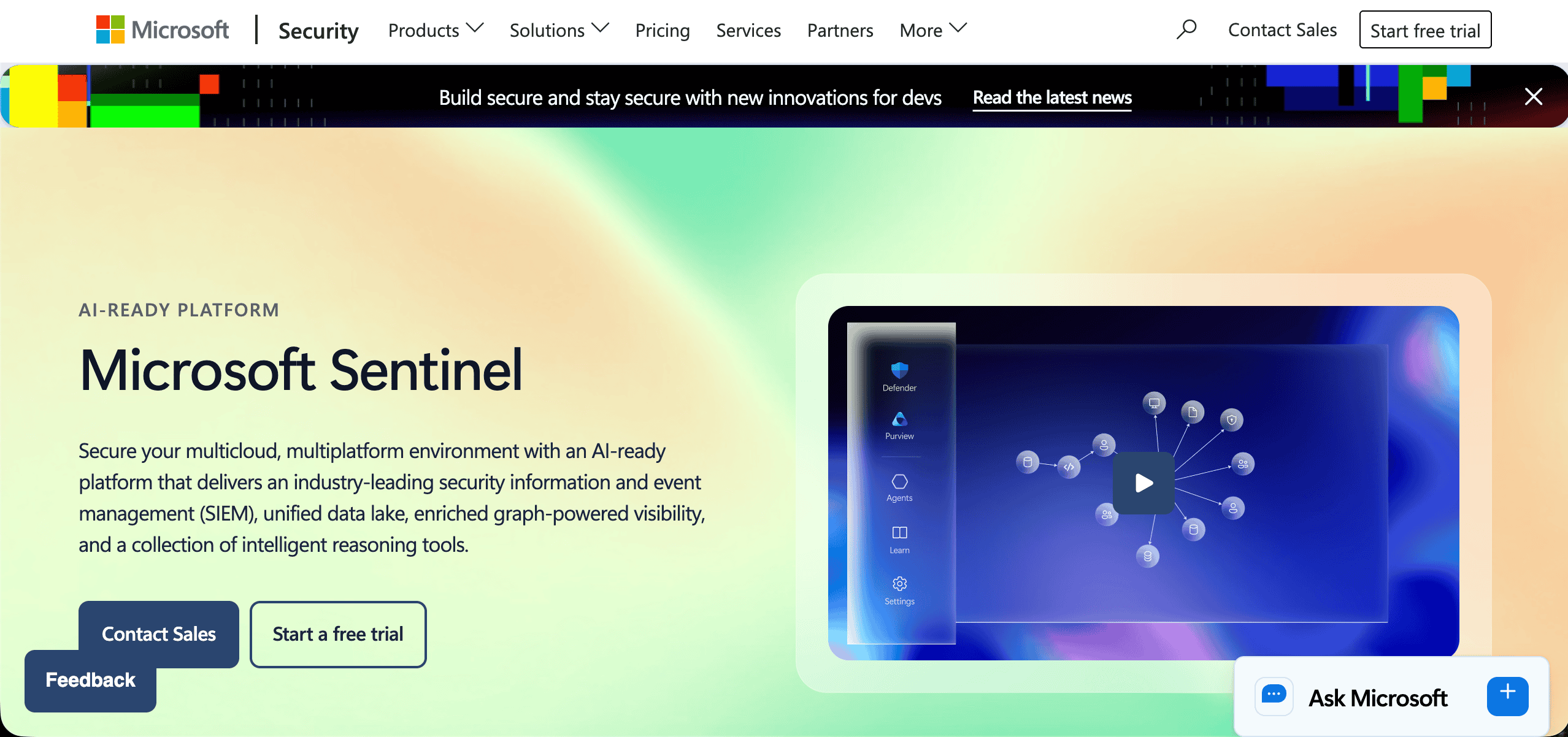
Microsoft Sentinel is a cloud-native Security Information and Event Management (SIEM) platform. It collects security logs from across your entire environment, applies machine learning to identify threats, and alerts your team – or your IT provider – when action is required.
Sentinel is more relevant to businesses with complex environments or specific compliance obligations than to the typical Brisbane SMB. But it’s worth knowing it exists, particularly for businesses in regulated industries – financial services, healthcare, legal – that need documented security monitoring capabilities.
Putting It Together: Defence in Depth for Australian SMBs
The most effective approach to Azure security isn’t choosing one tool – it’s layering them:
- Identity security through Entra ID (MFA + Conditional Access)
- Endpoint protection through Defender for Business and Intune
- Network controls through Azure Firewall and Network Security Groups
- Data protection and recovery through Azure Backup
- Visibility and monitoring through Defender for Cloud
Each layer addresses a different attack surface. Together, they provide defence in depth – which is exactly why the Australian Signals Directorate’s Essential Eight is a set of controls, not a single measure.
The challenge for Brisbane SMBs is that each of these tools needs to be configured correctly to work as intended. They’re included in your Microsoft licences – but they don’t switch themselves on, and default settings are rarely aligned with security best practice.
How XCD IT Helps Brisbane SMBs Get This Right
XCD IT holds SMB1001 Gold Cybersecurity Certification and is a Microsoft Partner. We configure and manage the full Microsoft security stack for SMBs across South-East Queensland – Defender, Entra ID, Intune, Azure Backup, and beyond.
We treat cybersecurity as an ongoing managed service, not a one-time project. That means regular review of your Secure Score, proactive response to alerts, patch management, and keeping your configuration aligned with evolving threats and Australian compliance requirements – including the ASD Essential Eight.
If you’re not sure which of these tools you’re currently using – or whether they’re configured correctly – a security health check is the right starting point. Many of our new clients find tools that are licenced but never enabled, or enabled but never properly configured.

Need Reliable IT Without the Surprise Costs?
With XCD IT, you get fully managed IT support for around $100–$250/month per user, with no hidden costs or unexpected bills.
Call 07 3085 7447
For urgent IT issues or immediate assistance
Our support team is ready to help.
Frequently Asked Questions

- 8+ Best Cybersecurity Companies in Brisbane (2026 Guide for SMBs) - November 7, 2026
- 20 Best Managed IT Service Companies in Brisbane (2026 Guide for SMBs) - November 7, 2026
- Co-Managed IT: How It Works With Your In-House IT Team - November 4, 2026


