
Is Microsoft 365 Business Premium worth the extra cost for your Brisbane business, or does a lower-tier plan already cover what you need?
If you are comparing Microsoft 365 plans and trying to work out whether Business Premium makes financial sense, you are asking exactly the right question. The answer depends on what your business does, who your clients are, and how seriously you need to take data security and compliance.
For most Queensland SMBs handling sensitive client data or working in regulated industries, Microsoft 365 Business Premium is not just worth it. It is the most cost-effective way to build a properly secured Microsoft environment, because it bundles tools that would cost significantly more to replicate through separate products. But the value only materialises if the licence is properly configured, and that is where many Brisbane businesses fall short.
This guide covers what Business Premium includes, how it compares to the other plans, who genuinely needs it, and what it takes to get full value from the investment.
Key Takeaways Microsoft 365 Business Premium
- Microsoft 365 Business Premium includes everything in Business Standard plus a full layer of security and device management tools.
- The key additions are Microsoft Intune, Microsoft Defender for Business, Entra ID P1, Azure Information Protection P1, and Microsoft Purview compliance tools.
- Business Premium is the right choice for Brisbane SMBs handling sensitive client data, managing remote workers, or working toward ASD Essential Eight alignment.
- Microsoft’s July 2026 pricing update increases costs for Business Basic and Standard. Business Premium is holding at its current price, narrowing the gap considerably.
- Many Brisbane businesses are paying for Business Premium but have not had it properly configured, meaning they are not getting the security they are paying for.
- XCD IT configures and manages Microsoft 365 Business Premium for SMBs across Brisbane, the Gold Coast, and the Sunshine Coast.
A Quick Recap of the Microsoft 365 Business Plans
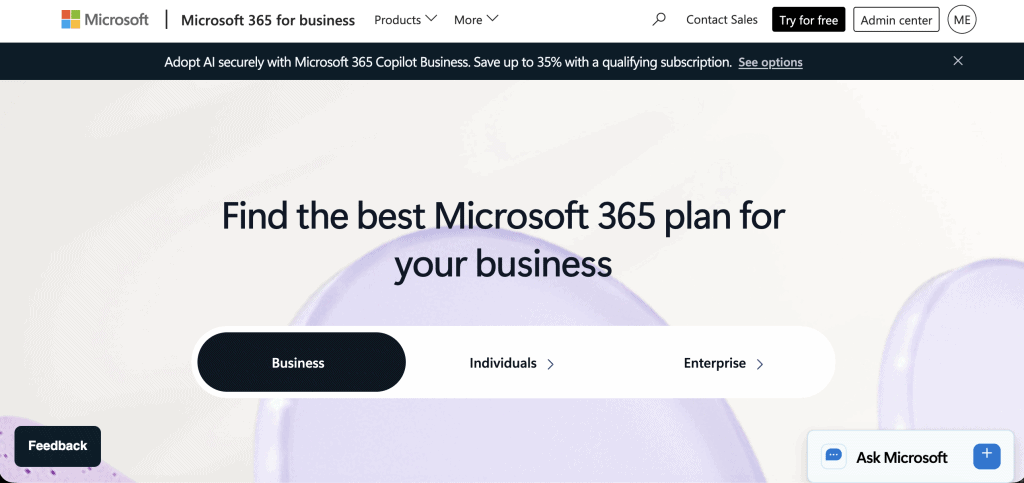
Microsoft 365 Business plans come in three main tiers, each building on the one below it.
Business Basic
Business Basic provides email via Exchange Online, Microsoft Teams, SharePoint, and OneDrive. Office applications are available through the browser only. There are no desktop installs of Word, Excel, PowerPoint, or Outlook. For businesses that work entirely in a browser and have minimal collaboration needs, Basic is functional. For most Brisbane SMBs, it is too limited.
Business Standard
Business Standard adds full desktop installs of the Microsoft 365 application suite: Word, Excel, PowerPoint, Outlook, OneNote, and Access. It also includes additional features in Teams and a richer set of productivity tools. For businesses that primarily need productivity software and basic email, Standard is a solid foundation.
Business Premium
Business Premium adds a comprehensive security and device management layer on top of everything in Standard. This is the tier where the licensing decision becomes most significant for Brisbane SMBs in professional services, regulated industries, or businesses with remote or hybrid workforces.
All three plans support up to 300 users and include 1 TB of OneDrive storage per user. From July 2026, all Business plans include expanded mailbox storage of up to 100 GB per user, up from 50 GB.
What Business Premium Adds Over Standard: A Deep Dive
The gap between Business Standard and Business Premium is not about productivity features. It is about security, device management, identity protection, and compliance. Here is what each addition actually does and why it matters for your Brisbane business.
Microsoft Intune: Device Management and Endpoint Control
Intune is Microsoft’s cloud-based endpoint management platform. It gives your organisation centralised control over every device your staff use to access company data, whether those devices are company-owned or personal.
Without Intune, most Brisbane SMBs have no visibility into what devices are connecting to their Microsoft 365 environment, no way to enforce security standards on those devices, and no mechanism to remove company data if a device is lost, stolen, or a staff member leaves.
In practice, this means that a staff member’s personal laptop with no disk encryption, an outdated operating system, and no screen lock can connect to your company email and SharePoint files without restriction.
With Intune properly configured, you can enforce device compliance policies that require a minimum operating system version, disk encryption, screen lock, and the absence of known malware before a device is permitted to access company data.
Non-compliant devices are blocked automatically. Lost or stolen devices can be remotely wiped of company data without affecting personal content. And you have a complete inventory of every enrolled device across your organisation.
For Brisbane businesses pursuing ASD Essential Eight alignment, Intune directly addresses controls around application control, patching, and restricting administrative privileges. It is also foundational for businesses with staff working remotely or using personal devices, which in 2025 and 2026 describes the majority of Queensland SMBs.
Microsoft Defender for Business: Endpoint Protection
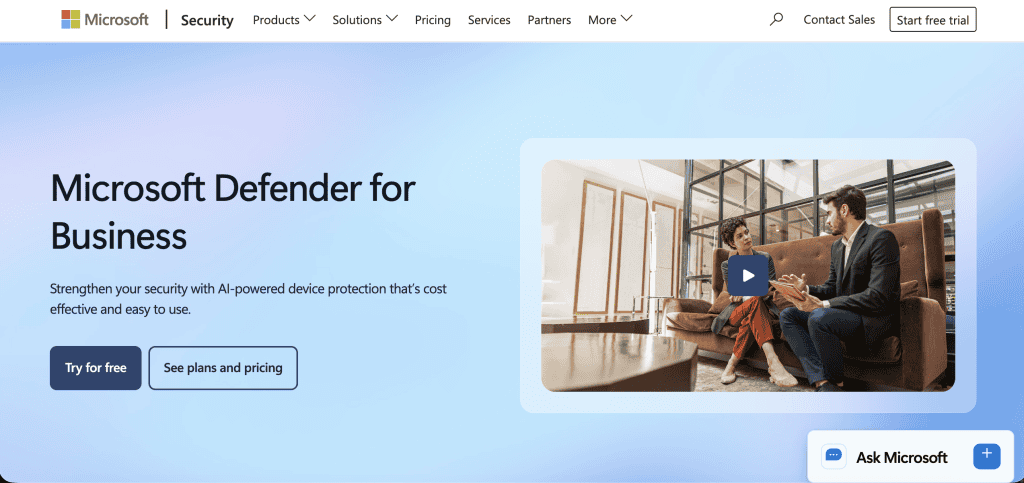
Defender for Business is enterprise-grade endpoint security included in Business Premium at no additional cost. It goes significantly beyond traditional antivirus software in both capability and management.
Traditional antivirus works primarily through signature matching: it identifies known malware by comparing files against a database of known threats. Modern attacks increasingly use techniques that bypass signature detection entirely, including fileless malware, living-off-the-land attacks that abuse legitimate system tools, and zero-day exploits that have not yet been added to any signature database.
Defender for Business uses behavioural analysis to detect threats based on what processes are doing rather than what they look like. If a process begins behaving in ways consistent with ransomware encryption, credential harvesting, or lateral movement, Defender flags and responds to it even if it has never been seen before. When a threat is confirmed, Defender can automatically isolate the affected device from the network to prevent the threat from spreading to other systems.
For Brisbane businesses currently paying for a third-party antivirus or endpoint protection product, Defender for Business is a direct replacement in most cases. The centralised security dashboard gives your IT provider visibility across all endpoints from a single console, and the integration with the rest of the Microsoft 365 security stack means that alerts from Defender feed into a unified security picture alongside identity and cloud app signals.
Microsoft Entra ID P1: Advanced Identity and Access Management
Standard Microsoft 365 plans include basic Entra ID functionality: user accounts, multi-factor authentication, and standard access controls. Business Premium upgrades this to Entra ID P1, which adds Conditional Access policies.
Conditional Access is one of the most impactful security controls available to Brisbane SMBs, and it is frequently underused even by businesses that have Business Premium licences. Conditional Access allows your IT administrator to create rules that govern access based on context rather than simply requiring a password and MFA code.
Examples of Conditional Access policies that XCD IT configures for Brisbane clients include: blocking logins from outside Australia unless the user passes MFA, requiring a compliant and managed device before accessing SharePoint or sensitive applications, blocking access from known malicious IP addresses or anonymising proxies, and requiring additional verification steps for users accessing applications with elevated permissions.
Without Conditional Access, multi-factor authentication alone can still be defeated by sophisticated phishing attacks that capture both the password and the MFA token in real time. Conditional Access adds a layer of context-aware controls that are significantly harder to bypass, because they evaluate not just whether the user knows their credentials but whether the login itself looks legitimate based on device state, location, and behaviour.
Entra ID P1 also includes self-service password reset, which allows staff to reset their own passwords without logging a support ticket, and group-based access management, which makes it easier to manage permissions at scale as your Brisbane business grows.
Azure Information Protection P1: Data Classification and Protection
Azure Information Protection P1 allows your organisation to classify, label, and protect sensitive documents and emails based on their content and sensitivity level.
In practice, this means your staff can apply labels such as Confidential, Internal Use Only, or Client Sensitive to documents and emails. These labels can trigger automatic protections: a Confidential document might be encrypted, restricted to named recipients only, and prevented from being forwarded or printed.
Labels can also be applied automatically based on content detection, flagging documents that contain patterns matching credit card numbers, tax file numbers, or other sensitive data types without requiring staff to make a manual judgement.
For Brisbane businesses in legal, financial services, accounting, real estate, or healthcare, where sensitive client documents are a daily reality, Azure Information Protection provides a practical mechanism for data governance that does not rely entirely on staff following policies correctly.
The protection travels with the document, meaning a labelled and encrypted file remains protected even if it is emailed to the wrong recipient or saved to a personal device.
Microsoft Purview: Compliance and Audit Tools
Business Premium includes foundational compliance tools through Microsoft Purview, Microsoft’s compliance management platform.
The compliance features included at the Business Premium level cover audit logging, which records all administrative and user activity across the Microsoft 365 environment and provides an auditable trail for security investigations or regulatory reviews.
Content search allows authorised administrators to search across Exchange mailboxes, SharePoint sites, and OneDrive files for specific content, which is relevant for legal discovery or internal investigations. Basic data loss prevention policies allow rules that prevent sensitive content from being shared outside the organisation through email or Teams.
For Brisbane businesses with obligations under the Privacy Act, Australian financial services regulations, or industry-specific compliance frameworks, these tools support the documentation and demonstrability requirements that regulators increasingly expect.
Microsoft 365 Business Premium Price Hold: Why the Timing Matters
Microsoft’s July 2026 pricing update increases the cost of Business Basic and Business Standard. Business Premium is holding at its current price point of approximately $32.90 AUD per user per month.
This is a meaningful shift in the value equation. The price gap between Standard and Premium, which was previously the main hesitation point for Brisbane SMBs considering the upgrade, is now narrower. Businesses that move from Standard to Premium in the current pricing window are effectively getting Intune, Defender for Business, Entra ID P1, Azure Information Protection, and Purview compliance tools for a smaller incremental cost than was the case twelve months ago.
For businesses currently on Standard that were previously on the fence about upgrading, the July 2026 pricing update makes this an opportune time to reassess.
Who Should Be on Microsoft 365 Business Premium?

Business Premium is the right choice for Brisbane businesses that:
- Handle sensitive client data in industries including finance, legal, medical, real estate, and accounting
- Have staff working remotely or using personal devices to access company systems
- Need to meet regulatory obligations under the Privacy Act, ASD Essential Eight, or industry-specific frameworks
- Want to consolidate security tools and reduce reliance on separate third-party antivirus or endpoint management products
- Are concerned about their current cybersecurity posture and want a measurable improvement without a large capital investment
- Have experienced a security incident or near-miss and are taking steps to improve their baseline
The honest reality is that for most professional services SMBs in Brisbane and South-East Queensland, at least one of those criteria applies. The moment a business is handling client financial information, personal data subject to the Privacy Act, or documents that would cause real harm if they reached the wrong hands, the security argument for Business Premium becomes very difficult to argue against.
Who Might Not Need Microsoft 365 Business Premium?
Very small businesses with no sensitive data handling, no remote work, no regulatory obligations, and a simple IT environment may be adequately served by Business Standard. A sole trader using Microsoft 365 primarily for email and document creation, for example, may find Standard more than sufficient.
But these situations are less common than they might appear. Many Brisbane business owners underestimate how much sensitive data they handle on a daily basis. Client contact details, financial records, legal documents, and health information are all subject to the Privacy Act regardless of the size of the business holding them. The threshold for reasonable security measures under Australian privacy law is not adjusted for business size.
Getting the Most Out of Microsoft 365 Business Premium: Configuration Matters
One pattern XCD IT sees consistently among new Brisbane clients is businesses that are paying for Microsoft 365 Business Premium but have not had it properly configured. The licence is active. The tools exist. But Intune has never been set up, Conditional Access policies have never been created, Defender for Business has never been onboarded across endpoints, and Azure Information Protection labels have never been defined.
In this situation, the business is paying Business Premium prices and receiving Business Standard security. The gap between a properly configured Business Premium environment and an unconfigured one is significant, and it is not visible on a billing statement.
Proper configuration of Business Premium is not a one-time task either. As staff join and leave, as devices change, as Microsoft releases new capabilities, and as the threat landscape evolves, the configuration needs to be maintained and updated. This is why XCD IT treats Microsoft 365 security configuration as an ongoing managed service rather than a project with a completion date.
How XCD IT Helps Brisbane SMBs Get Full Value From Microsoft 365 Business Premium
As a Microsoft Partner and SMB1001 Gold-certified managed service provider, XCD IT configures and manages Microsoft 365 Business Premium for SMBs across Brisbane, the Gold Coast, and the Sunshine Coast. Our approach covers the full stack: Intune device enrolment and compliance policies, Conditional Access configuration, Defender for Business onboarding across all endpoints, Azure Information Protection label setup, and ongoing cybersecurity monitoring and maintenance.
If you are currently on a lower Microsoft 365 plan and considering whether to upgrade, we can assess your environment and give you a clear picture of what you would gain and whether the investment is justified for your specific situation. If you are already on Business Premium but not confident it is fully configured, a Microsoft 365 health check will identify the gaps.

Need Reliable IT Without the Surprise Costs?
With XCD IT, you get fully managed IT support for around $100–$250/month per user, with no hidden costs or unexpected bills.
Call 07 3085 7447
For urgent IT issues or immediate assistance
Our support team is ready to help.
Frequently Asked Questions

- 8+ Best Cybersecurity Companies in Brisbane (2026 Guide for SMBs) - November 7, 2026
- 20 Best Managed IT Service Companies in Brisbane (2026 Guide for SMBs) - November 7, 2026
- Co-Managed IT: How It Works With Your In-House IT Team - November 4, 2026


