
Have you ever scanned a QR code without thinking twice about where it leads? QR codes have become part of everyday life – from restaurant menus to parking meters. But as their popularity grows, so does a dangerous trend: QR code scams.
Cybercriminals are now using fake QR codes to trick individuals and businesses into revealing sensitive information or downloading malware. For businesses across Brisbane, the Gold Coast, and Sunshine Coast, this is becoming a real cybersecurity risk.
Key Takeaways
- QR code scams are increasing across Australia and targeting both individuals and businesses
- Fake QR codes can redirect users to phishing websites or install malware
- Always verify the source before scanning any QR code
- Businesses should implement cybersecurity protections to reduce risk
- Managed IT services can help detect and prevent QR-based threats
What Is a QR Code Scam?

A QR code scam, often called “quishing” (QR phishing), is when attackers use malicious QR codes to trick users into visiting unsafe websites, sharing sensitive information, or downloading malware.
QR codes feel safe because they’re used everywhere – from menus to payments – but they hide the destination link until after you scan them. This means users often trust them without verifying where they lead.
Once scanned, a fake QR code can redirect you to a convincing phishing site that steals login details or payment information. In some cases, it may even trigger a malicious download that compromises your device.
As noted in the original article, common tactics include placing fake QR codes over real ones or promoting fraudulent offers. While simple, these scams are highly effective because they rely on trust and convenience.
For businesses, the risk is higher – one compromised device can expose emails, cloud systems, and sensitive data, making QR code scams a growing cybersecurity threat.
How QR Code Scams Work
QR code scams rely on simple but highly effective tactics that take advantage of how quickly people scan codes without verifying them first. While they may seem harmless, these attacks are designed to quietly redirect users into risky situations.
Fake QR Code Overlays

One of the most common methods is physically tampering with legitimate QR codes. Scammers place stickers over real codes in public locations, making them almost impossible to notice.
You’ll often find these in places like:
- Cafés and restaurants
- Parking meters
- Event posters or public ads
Because the code appears normal, users assume it’s safe. However, once scanned, it redirects to a fraudulent website instead of the intended destination.
Phishing Websites

After scanning, users are typically taken to a phishing site that closely mimics a trusted brand or service. These pages are designed to look convincing enough that most people won’t question them.
They often aim to:
- Steal login credentials
- Capture payment details
- Impersonate legitimate businesses or platforms
For businesses, this is especially dangerous. If an employee unknowingly enters their credentials, attackers may gain access to shared systems, cloud platforms, or sensitive company data – potentially leading to a much larger security breach.
Malware Downloads
Not all QR code scams rely on phishing. In some cases, scanning a malicious QR code can trigger a download or open a compromised webpage designed to exploit your device.
While modern devices have built-in protections, they are not foolproof – especially if software is outdated or security settings are weak.
These attacks may:
- Install spyware that monitors activity in the background
- Track keystrokes to capture passwords and sensitive data
- Create backdoor access for hackers to enter company systems
For SMBs, this type of attack can escalate quickly. A single infected device may allow attackers to move across networks, access internal tools, and compromise business-critical data without immediate detection.
Why Brisbane Businesses Should Be Concerned
QR code scams are not just a general cybersecurity issue – they are becoming increasingly relevant for businesses across Brisbane and the wider Queensland region.
Why Local Businesses Are at Higher Risk
Many SMBs are more exposed due to how they operate day-to-day. Factors that increase risk include:
- A strong reliance on mobile devices for work and communication
- Frequent use of QR codes for payments, menus, and customer interactions
- Limited in-house cybersecurity expertise or monitoring systems
These conditions make it easier for a simple mistake – like scanning a malicious QR code – to turn into a serious incident.
What Is at Risk for Your Business
If an employee scans a compromised QR code on a work device, the impact can extend far beyond that single action.
Potential risks include:
- Unauthorised access to email systems and internal communication
- Exposure of cloud storage and shared business platforms
- Loss or theft of sensitive customer and business data
Even a small breach can damage trust, disrupt operations, and lead to financial loss. This is why cybersecurity is no longer optional for Brisbane businesses – it’s a critical part of protecting your operations and reputation.
How to Protect Yourself from QR Code Scams
Protecting yourself from QR code scams doesn’t require advanced technical knowledge – it comes down to building better habits and staying aware of potential risks before and after scanning.
1. Be Careful Where You Scan
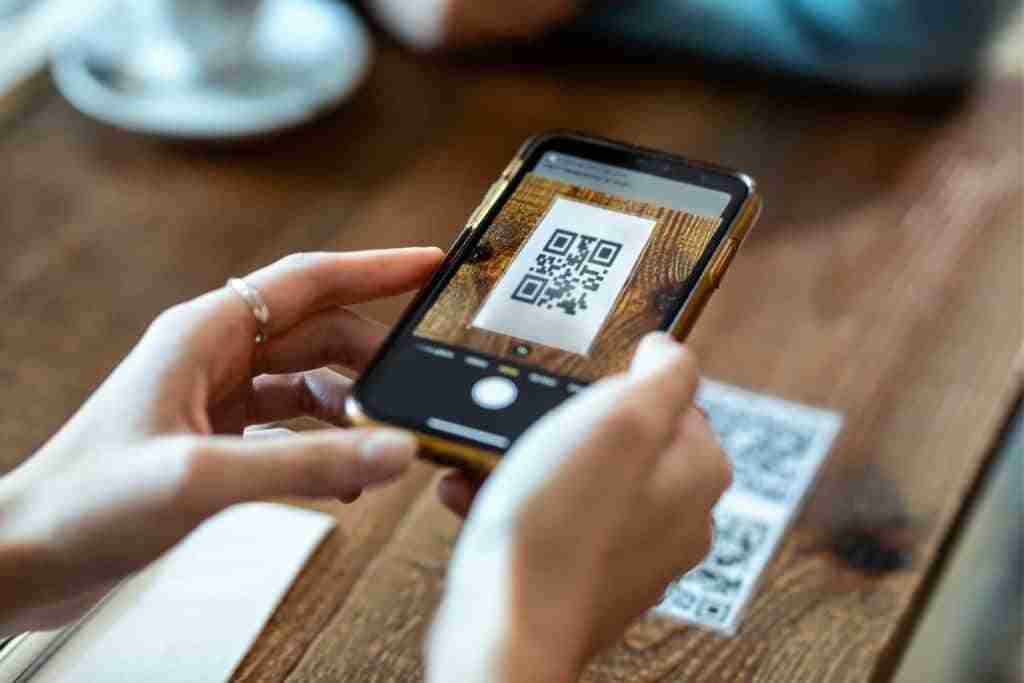
Not all QR codes are trustworthy, especially in public spaces where they can be easily tampered with. Before scanning, take a moment to assess whether the code looks legitimate.
If a QR code appears damaged, covered by a sticker, or placed in an unusual location, it’s best to avoid it altogether. Sticking to trusted and verified sources significantly reduces your risk.
2. Check the URL Before Taking Action
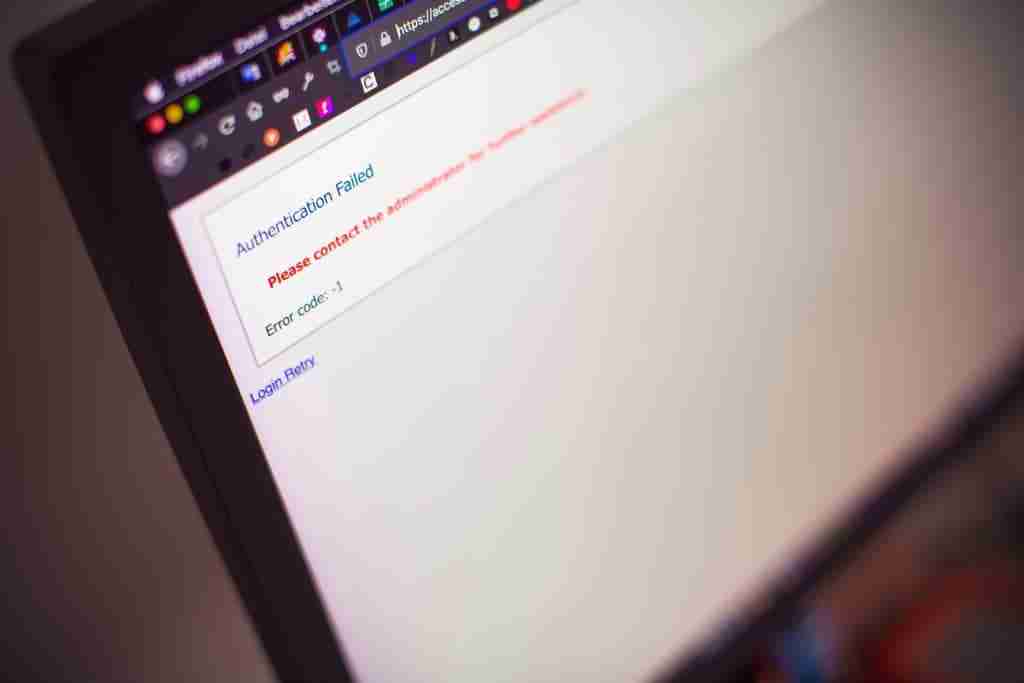
Once you scan a QR code, don’t rush to interact with the page straight away. Take a few seconds to review where the link is actually taking you.
Look out for:
- Misspelled domain names or slight variations of trusted websites
- Unusual or overly long URLs
- Websites that don’t match the expected brand or service
If anything feels off, exit the page immediately.
3. Avoid Entering Sensitive Information

One of the most common goals of QR code scams is to collect personal or business-critical data. This is where many attacks succeed.
Avoid entering the following unless you are completely certain the website is legitimate:
- Passwords or login credentials
- Payment or banking details
- Personal or company information
For businesses, it’s especially important to ensure employees follow this rule, as a single mistake can expose entire systems.
4. Keep Your Devices and Software Updated

Keeping your devices updated is one of the simplest yet most effective ways to protect against QR code scams and other cyber threats. Many attacks rely on exploiting outdated software, where known vulnerabilities haven’t been patched.
Regular updates help close these security gaps and reduce the risk of malware successfully installing on your device after scanning a malicious QR code.
Make sure you:
- Keep your operating system up to date
- Install security patches as soon as they are available
- Regularly update apps, especially browsers and QR scanners
For businesses, this is even more important. Unpatched devices across a team can create multiple entry points for attackers, increasing the risk of a wider security breach.
5. Use Business-Grade Security Tools
For individuals, basic precautions may be enough – but for businesses, they rarely provide sufficient protection on their own. As QR code scams become more sophisticated, companies need proactive systems in place to detect and prevent threats before they cause damage.
This is where professional IT support plays a key role. Solutions such as endpoint protection, real-time monitoring, and secure cloud environments help reduce the risk of compromised devices and unauthorised access.
To strengthen your protection, consider investing in:
- proactive IT monitoring through Managed IT Services Brisbane
- managed IT support for SMBs to maintain and secure your systems
- secure cloud systems that protect business data and user access
These measures not only reduce the risk of QR-related threats but also improve your overall cybersecurity posture, helping your business stay resilient against evolving attacks.
For additional guidance, you can review cyber security advice for businesses from the Australian Cyber Security Centre or learn how to avoid phishing scams from the Federal Trade Commission.
How XCD IT Helps Protect Your Business from QR Code Scams
QR code scams are becoming harder to detect, especially for businesses without dedicated cybersecurity systems. At XCD IT, we help Brisbane businesses take a proactive approach – reducing risk before it turns into a serious issue.
1. Proactive Monitoring and Device Security
We monitor your systems for unusual activity and secure all business devices, helping prevent malware or unauthorised access caused by malicious QR code scans.
2. Secure Cloud and Data Protection
Many QR scams target login credentials. We implement secure access controls and protect your cloud systems to keep sensitive business data safe.
3. Ongoing Support for Your Team
We also help your team stay aware of emerging threats, so they can recognise and avoid scams before they cause damage.
By combining monitoring, device security, and secure cloud systems, XCD IT helps Brisbane businesses stay protected against QR code scams and evolving cyber threats.

Need Reliable IT Without the Surprise Costs?
With XCD IT, you get fully managed IT support for around $100–$250/month per user, with no hidden costs or unexpected bills.
Call 07 3085 7447
For urgent IT issues or immediate assistance
Our support team is ready to help.
FAQs About QR Code Scams
Are QR codes safe to use?
QR codes themselves are safe, but the risk comes from where they lead. Because you can’t see the destination before scanning, it’s important to verify the source and check the URL before interacting with any page.
Can a QR code hack your phone?
A QR code cannot directly hack your phone, but it can take you to malicious websites or trigger downloads that compromise your device. This is more likely if your software is outdated or lacks proper security protection.
What is “quishing”?
Quishing, or QR phishing, is a type of cyberattack where scammers use QR codes to trick users into visiting fake websites or sharing sensitive information such as login details or payment data.
How can I tell if a QR code is fake?
Fake QR codes can be difficult to spot, but there are warning signs to look for:
– Stickers placed over existing QR codes
– Codes in unusual or suspicious locations
– Links that don’t match the expected website after scanning
If anything feels off, it’s best not to proceed.
Should businesses stop using QR codes altogether?
No – QR codes are still useful and widely used. Instead of avoiding them completely, businesses should focus on cybersecurity measures, employee awareness, and secure systems to reduce risk.

- 8+ Best Cybersecurity Companies in Brisbane (2026 Guide for SMBs) - November 7, 2026
- 20 Best Managed IT Service Companies in Brisbane (2026 Guide for SMBs) - November 7, 2026
- Co-Managed IT: How It Works With Your In-House IT Team - November 4, 2026


