
Is your Remote Work Cybersecurity strategy keeping up with how your team actually works today?
Remote and hybrid work have become the standard for many SMBs in Australia, but most security models were designed for office-based environments. As employees access systems from multiple locations, devices, and networks, the traditional approach to cybersecurity no longer provides the same level of protection.
Understanding how remote work changes your risk profile is the first step toward building a security strategy that matches the way your business operates today.
Key Takeaways Remote Work Cybersecurity
- Remote work removes the traditional network security boundary
- Employees now access systems from untrusted networks and devices
- Public Wi-Fi and home networks increase exposure to threats
- SMBs have less visibility and control in distributed environments
- A modern security approach is required to manage these risks
How Does Remote Work Change Cybersecurity Risk?
The shift to remote and hybrid work has fundamentally changed how businesses operate – and how they are exposed to cyber threats. Instead of a controlled office environment, access to systems now happens across a wide range of networks, devices, and locations.

The End of the Traditional Perimeter
In a traditional office setup, security was built around a defined network boundary. Firewalls and internal controls separated trusted systems from external threats.
With remote work, this perimeter no longer exists in a meaningful way. Employees connect from different locations, often outside of any controlled network, making it difficult to rely on network-based security alone.
Increased Exposure from Remote Access
Remote access introduces additional risk because employees are connecting from environments that are not managed by the business. Home networks may lack proper security controls, and public Wi-Fi networks can expose traffic to interception or manipulation.
These conditions increase the likelihood of unauthorised access, particularly if additional protections such as secure access controls are not in place.
Why SMBs Are More Vulnerable
SMBs often have less visibility into their distributed environments compared to larger organisations. Devices may not be consistently managed, and access controls may vary across systems.
Remote Work Cybersecurity creates a mixed environment where corporate and personal devices, secure and unsecured networks, and different applications all interact. Without a structured approach to managing this complexity, gaps emerge that attackers can exploit.
What Is Zero Trust and Why Does It Matter for SMBs?
As remote work removes the traditional network boundary, security must shift from location-based trust to identity-based control. Zero Trust is the model that reflects this change, focusing on verifying every access request rather than assuming trust based on network location.
The Microsoft Zero Trust model is built around continuous verification, secure access, and identity-based protection for modern work environments.
Core Principle: Never Trust, Always Verify
The core principle of Zero Trust is simple: no user, device, or connection is trusted by default. Every access request must be authenticated, authorised, and validated before access is granted.
This includes continuous validation, meaning access decisions can change based on factors such as user behaviour, device health, and location in Remote Work Cybersecurity. This approach reduces the risk of unauthorised access, even if credentials are compromised.
Practical Zero Trust for SMBs
Implementing Zero Trust does not require complex infrastructure. For SMBs, start with practical controls that can be applied across existing systems.
Multi-factor authentication (MFA) ensures that access requires more than just a password. Device compliance policies check whether a device meets minimum security standards before granting access. Conditional access policies evaluate context – such as who is accessing, from where, and under what conditions – to determine whether access should be allowed.
These controls work together to enforce security at the point of access rather than relying on network boundaries.
Identity as the New Security Perimeter
In a distributed environment, identity becomes the primary control point. Instead of securing a network, businesses secure access to applications, data, and systems based on verified identity and context.
This shift to access-based security allows organisations to maintain control regardless of where users are working from. For SMBs, adopting this model through structured IT strategy and planning ensures that security aligns with how the business actually operates.
What Are the Biggest Cloud Security Risks and Cyber Threats for SMBs?
Cloud adoption has made business systems more flexible and accessible, but it has also introduced new security risks. Most issues do not come from the cloud platform itself, but from how it is configured and managed within the business.
The Shared Responsibility Model
Cloud security operates on a shared responsibility model. The provider is responsible for securing the underlying infrastructure, while the business is responsible for how services are configured, accessed, and used.
This means that even highly secure platforms can become vulnerable if configurations are weak or incomplete. Understanding this distinction is critical for managing cloud security effectively.
Common Misconfigurations Remote Work Cybersecurity
Misconfiguration is one of the leading causes of cloud security incidents. Common issues in Remote Work Cybersecurity include overly permissive sharing settings in platforms like SharePoint or Teams, allowing sensitive data to be accessed externally without proper controls.
Legacy authentication protocols are another major risk, as they can allow attackers to bypass modern security measures such as multi-factor authentication. In addition, audit logging is often disabled or not properly configured, limiting visibility into user activity and making it harder to detect or investigate incidents.
Why Configuration Matters More Than Platform
The security of a cloud environment depends less on the platform being used and more on how it is set up. Even widely trusted services can become high-risk if access controls, monitoring, and policies are not correctly implemented.
For SMBs, focusing on secure configuration and ongoing management – supported by structured XCD IT cloud solutions – is essential to reducing risk and maintaining control in a distributed environment.
Why Endpoint Security Is Critical in Remote Work Cybersecurity
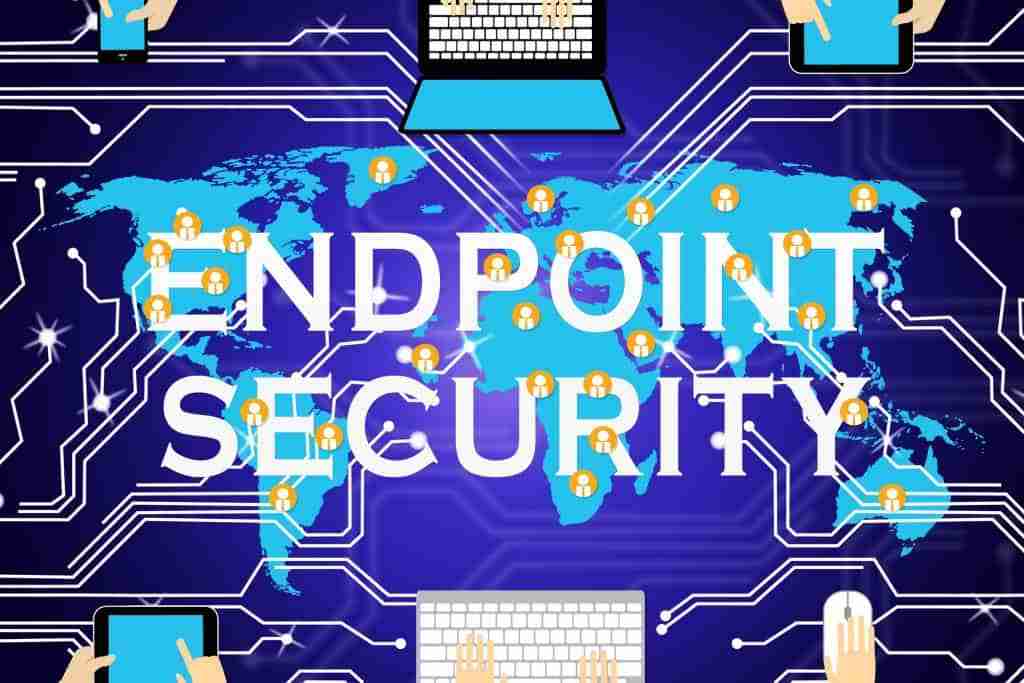
In a distributed work environment, security is no longer centred around a network – it is centred around devices. Every laptop, desktop, and mobile device that connects to your systems becomes a potential entry point for attackers. Managing and securing these endpoints is essential to maintaining control over your environment.
Devices as Entry Points Remote Work Cybersecurity
Each device used by employees, including desktops, laptops, and mobile devices, represents a possible pathway into your systems. In remote work setups, these devices are often outside of a controlled network, making them harder to monitor and protect.
If a single device is compromised, attackers can use it to access applications, move laterally across systems, or extract sensitive data. This makes endpoint security a critical component of any modern security strategy.
EDR vs Traditional Antivirus
Traditional antivirus solutions focus on detecting known threats using signature-based methods. While still useful, they are limited in their ability to respond to new or evolving attack techniques.
Endpoint Detection and Response (EDR) provides a more advanced approach by monitoring device activity in real time. Threat intelligence platforms analyze data to identify cyber attack tactics. AI and ML can automate anomaly detection and speed up incident response within EDR workflows. It can detect unusual behaviour, investigate potential threats, and respond quickly by isolating compromised devices before the issue spreads.
Mobile Device Management (MDM)
Mobile Device Management (MDM) allows businesses to enforce security controls across all devices accessing corporate data. This includes requirements such as encryption, screen locks, software updates, and the ability to remotely wipe a device if it is lost or compromised.
MDM is especially important in environments where employees use personal devices for work. Without proper controls, Bring Your Own Device (BYOD) setups can introduce significant risk due to inconsistent security standards and limited visibility.
For SMBs, combining endpoint protection with proactive oversight through IT monitoring and maintenance ensures devices are continuously managed and threats are identified early.
What Are the Risks of BYOD and Public Wi-Fi?
Remote work often relies on personal devices and public networks, both of which introduce risks that are outside the business’s direct control. Without clear policies and safeguards, these environments can expose systems and data to avoidable threats.
Personal Device Risks
Using personal devices for work (BYOD) creates security challenges because these devices are not always managed to the same standard as corporate systems. They may be unpatched, lack proper security controls, or be shared with other users, increasing the risk of unauthorised access.
The Cybersecurity and Infrastructure Security Agency (CISA) recommends applying consistent security controls to devices used for remote work, particularly in BYOD environments.
This lack of consistency makes it difficult to enforce security policies and maintain visibility across all devices accessing business data.
Public Wi-Fi Threats for Remote Work Cybersecurity
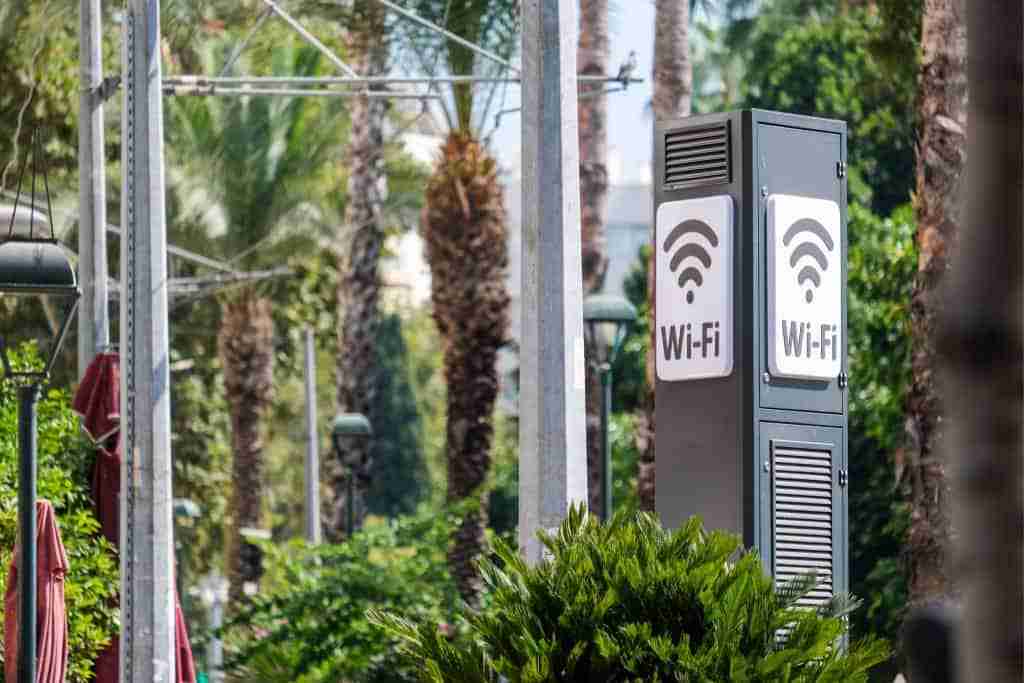
Public Wi-Fi networks are inherently untrusted. Attackers can intercept data transmitted over unsecured connections or create fake networks that mimic legitimate ones to capture user activity.
Even when using secure applications, these environments increase exposure to man-in-the-middle attacks and other forms of interception, particularly if users are not aware of the risks.
How to Reduce These Risks
Reducing risk in BYOD and public Wi-Fi environments should begin by enforcing security controls at the access level. Using a VPN helps encrypt data between the device and the destination, reducing the risk of interception.
Conditional access policies add another layer by restricting or monitoring access based on factors such as device compliance, location, and user behaviour. Together, these controls help ensure that only secure and trusted access is allowed, even in uncontrolled environments.
What Does a Secure Remote Work Setup Look Like?
A secure remote work environment is built on consistent controls across access, devices, and monitoring. Rather than relying on a single solution, it combines multiple layers of protection to reduce risk and respond quickly when issues arise.
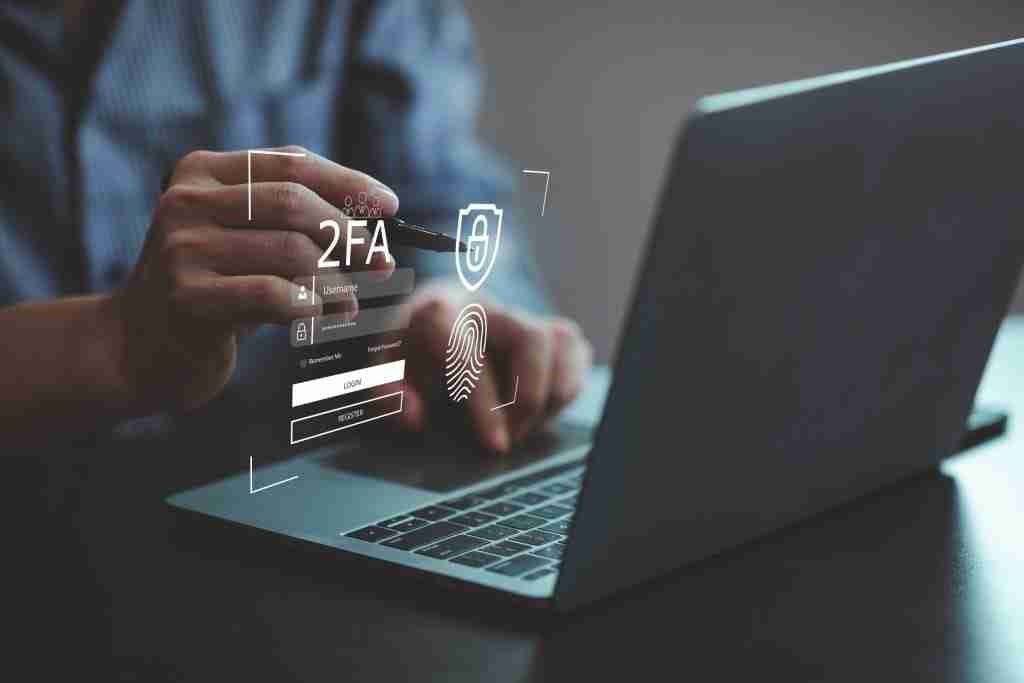
Secure Access Controls For Remote Work Cybersecurity
Access to business systems should be protected with strong authentication at every entry point. Employees should expect MFA and other required verification checks whenever they access business systems remotely. Enforcing multi-factor authentication (MFA) across all applications ensures that compromised passwords alone cannot be used to gain access.
This creates a consistent baseline of security regardless of where employees are working from or which systems they are accessing.
Device Security Enforcement
Devices accessing corporate data must meet defined security standards. This includes enforcing encryption, ensuring operating systems and applications are up to date, and applying compliance checks before access is granted.
By validating device security at the point of access, businesses can reduce the risk of compromised or unmanaged devices connecting to sensitive systems.
Monitoring and Security Operations Response Capability
Even with strong preventative controls, threats can still occur, and some SMBs may start with outsourced monitoring before building broader internal capability. The ability to detect suspicious activity and respond quickly is critical to limiting impact.
Businesses also need to be ready with documented incident response steps before an event occurs.
Real-time monitoring allows businesses to identify unusual behaviour across devices and accounts. SIEM tools support centralized log management and real-time threat detection across remote environments, while modern EDR technology also enables deeper forensic analysis when incidents affect endpoint devices. For SMBs, having this level of oversight supported by managed IT services in Brisbane, including SOC Analyst support within managed monitoring or security operations services, ensures that threats are handled efficiently and with minimal disruption.
Common Remote Work Security Mistakes and Security Knowledge Gaps SMBs Make

Many SMBs adopt remote work quickly but fail to update their security approach to match. These common mistakes create gaps that increase exposure to cyber threats.
Assuming that cloud platforms are secure by default is one of the most frequent issues. While cloud providers secure the infrastructure, businesses are responsible for configuration, access control, and monitoring.
A lack of device control is another major risk. Without enforcing security standards on devices accessing corporate data, businesses lose visibility and increase the likelihood of compromise. Regular cybersecurity training for remote workers is essential because people remain a common point of failure.
Not implementing multi-factor authentication (MFA) leaves accounts vulnerable to credential-based attacks, especially in distributed environments where access occurs from multiple locations.
Many organisations also lack proper monitoring, meaning suspicious activity may go undetected until it escalates into a larger issue. Strong security practices should also include regular backups, which are crucial for disaster recovery if a remote security incident disrupts systems or data.
Finally, the absence of clear access policies – including conditional access and role-based permissions – makes it difficult to control who can access what, and under which conditions.
FAQs About Remote Work Cybersecurity
What Should Your Next Step Be? Consulting a Security Engineer
Remote work is now a permanent part of how many businesses operate, and security must evolve to match this reality. Relying on outdated, office-based security models creates gaps that attackers can exploit.
The best next steps are strengthening access controls, device security, and monitoring capabilities. Enforcing multi-factor authentication, ensuring devices meet security standards, and implementing monitoring capabilities provide a strong foundation for managing risk. These measures work best when supported by clear security processes and a regular review so controls stay effective as threats change.
If you’re ready to learn more, contact XCD IT for support securing your remote workforce and implementing the right controls to maintain visibility across your environment. With support available across Brisbane, the Gold Coast, and the Sunshine Coast, you can ensure your business remains secure, compliant, and resilient in a distributed work environment, and businesses should not refuse regular reviews of their remote security controls as threats change.

Need Reliable IT Without the Surprise Costs?
With XCD IT, you get fully managed IT support for around $100–$250/month per user, with no hidden costs or unexpected bills.
Call 07 3085 7447
For urgent IT issues or immediate assistance
Our support team is ready to help.

- 8+ Best Cybersecurity Companies in Brisbane (2026 Guide for SMBs) - November 7, 2026
- 20 Best Managed IT Service Companies in Brisbane (2026 Guide for SMBs) - November 7, 2026
- Co-Managed IT: How It Works With Your In-House IT Team - November 4, 2026


