
Is your business still relying on passwords as its primary line of defence, without ensuring secure access to the systems that matter most? Multi-Factor Authentication closes that gap by adding a critical extra layer of protection beyond the password alone.
Passwords have been the foundation of digital security for decades, but they are no longer sufficient on their own. Large-scale data breaches have exposed billions of credentials, and attackers now use automated tools to exploit them at speed. For small and medium-sized businesses, this creates a level of risk that is often underestimated.
Understanding why passwords fail – and what that means for your business – is the first step toward building a stronger, more resilient approach to identity security.
Key Takeaways
- Passwords are no longer a reliable standalone security control
- Billions of compromised credentials are actively traded and reused
- Automated attacks exploit password reuse across multiple systems
- SMBs are at higher risk due to weaker controls and inconsistent security practices
- Moving beyond password-only security is essential to reducing risk
Why Are Passwords No Longer Secure for SMBs?
Passwords fail not because they are poorly designed, but because the environment around them has changed. Modern attack methods, combined with widespread credential exposure, mean that password-based security alone can no longer provide adequate protection for businesses.
The Scale of Credential Breaches
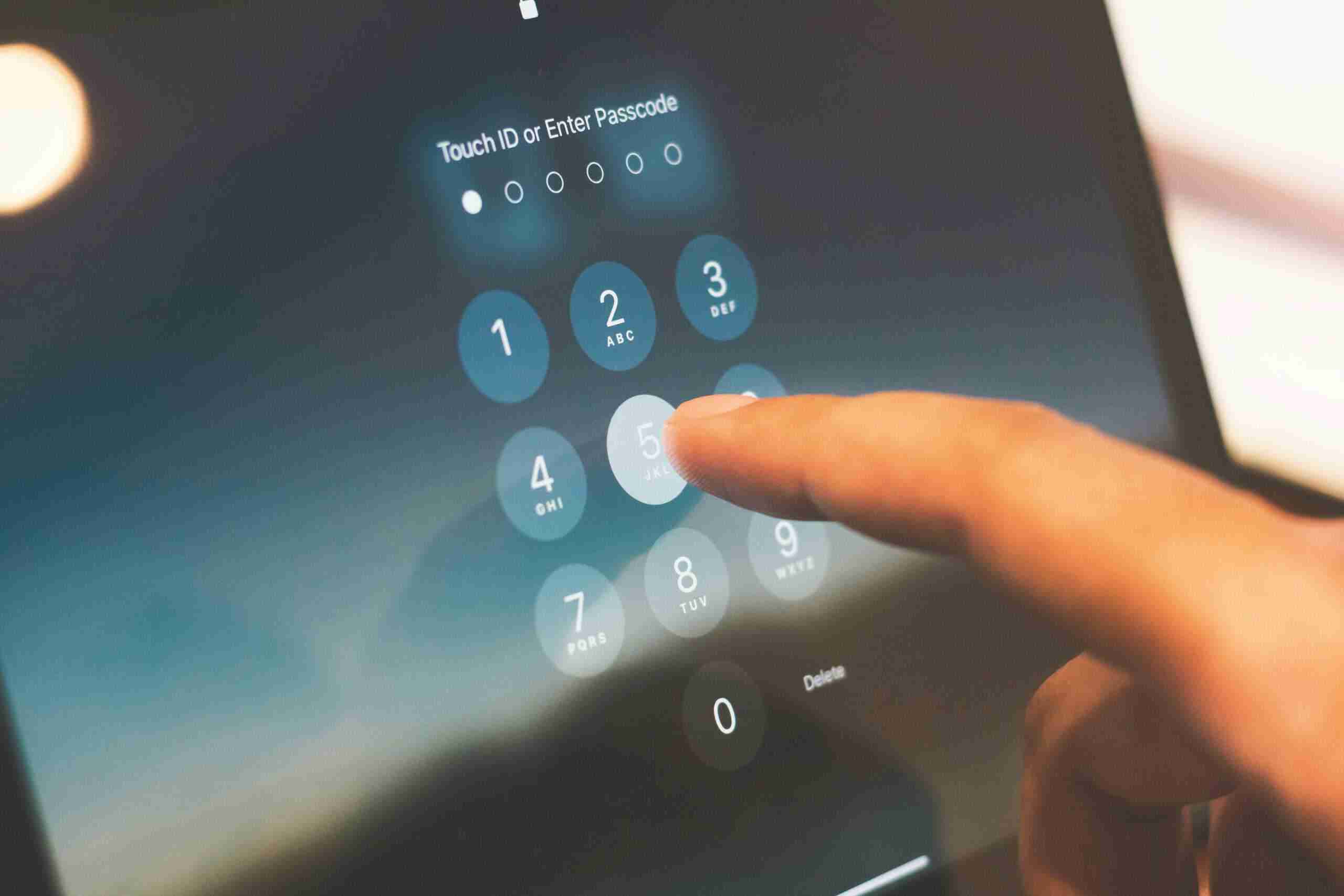
The scale of credential exposure is unprecedented. Billions of usernames and passwords from past breaches are now available on the dark web, often organised into searchable databases that attackers can easily access.
These credentials are not isolated to one system. Because users frequently reuse passwords across multiple platforms, a single breach can expose access to email accounts, business systems, and cloud services. This creates a persistent and widespread risk for organisations relying on password-only authentication.
Why SMBs Are at Higher Risk
Small and medium businesses are particularly vulnerable because they often lack the layered security controls found in larger organisations. Password reuse remains common, especially across business and personal accounts, making it easier for attackers to gain access using compromised credentials.
In addition, inconsistent enforcement of security measures – such as multi-factor authentication or access controls – creates gaps that attackers can identify and exploit, exploiting weak security measures to gain a foothold before moving deeper into the network. These weaknesses make SMBs a frequent and attractive target for credential-based attacks.
The Problem with Password-Based Security
Passwords represent a single point of failure. If a password is compromised, attackers can gain direct access to systems without needing to bypass additional security layers.
Modern attack techniques make this even more effective. Automated tools can test thousands of credential combinations in a short period of time, meaning even moderately strong passwords can be exposed under the right conditions.
As a result, relying solely on passwords leaves businesses exposed to risks that are both predictable and preventable. Moving beyond password-only security is no longer optional – it is a necessary step in reducing overall cyber risk.
How Do Credential Attacks Work?
Credential attacks are not complex or highly targeted in most cases. They rely on automation and the widespread availability of compromised credentials to gain access to business systems at scale. Understanding how these attacks work highlights why password-only security is no longer effective.

Credential Stuffing Attacks
Credential stuffing attacks use stolen usernames and passwords from previous data breaches and test them across multiple services. Because many users reuse the same credentials across different platforms, attackers can often gain access without needing to crack passwords.
These attacks are fully automated, allowing thousands of login attempts to be tested in minutes. Once access is gained, attackers can move further into systems, access sensitive data, or escalate privileges.
Password Spraying Attacks
Password spraying takes a different approach by targeting multiple accounts with a small number of commonly used passwords. Instead of focusing on one user, attackers test simple or predictable passwords across many accounts.
This method is designed to avoid account lockout policies by spreading attempts over time or across different IP addresses. It is particularly effective in environments where weak or default passwords are still in use.
Why These Attacks Are So Effective
The effectiveness of credential attacks comes down to automation and simplicity. Attackers do not need advanced skills or custom tools – brute force attacks and credential stuffing techniques are widely available and easy to execute.
Because these attacks rely on known behaviours such as password reuse and predictable patterns, they consistently succeed against organisations that lack stronger authentication controls. For SMBs, reducing this risk requires moving beyond passwords and implementing proactive measures such as IT monitoring and maintenance to detect and respond to suspicious activity early.
Why Is Multi-Factor Authentication (MFA) Critical?
As password-based security becomes easier to bypass, multi-factor authentication (MFA) adds an extra layer beyond just passwords, making multi factor authentication crucial for reducing the risk of unauthorised access. This stronger authentication is a strong defense against cybercriminals targeting business accounts and systems because it addresses the core weakness of passwords by requiring additional verification before access is granted.
It’s also increasingly a business requirement rather than just a best practice: many Australian cyber insurance providers now expect MFA to be in place as a condition of coverage, and gaps in authentication controls can affect a claim if a breach occurs. For regulated industries such as financial services, this is increasingly a compliance expectation too — see our guide to cybersecurity for financial advisers for how ASIC and the Privacy Act factor in.
How MFA Protects Your Business With Multiple Authentication Factors
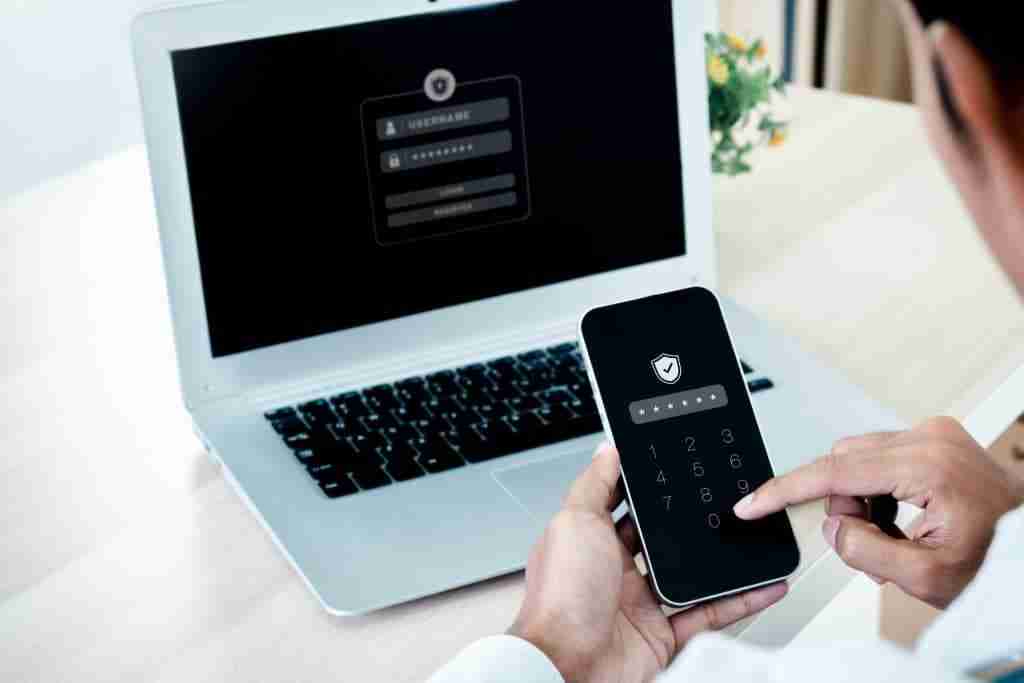
MFA works by adding a second layer of authentication beyond the password, such as a mobile app, hardware key, biometric verification, or other stronger mfa methods that use advanced authentication technologies, using multiple forms of verification through different authentication factors.
Even if a password is compromised, MFA helps protect against phishing attacks because stolen login credentials alone are not enough to gain access. Reactive MFA policies can also be triggered during unusual login attempts to strengthen protection.
This makes MFA highly effective against credential-based attacks, blocking the vast majority of automated login attempts, and is a core control in the Essential Eight cybersecurity framework.
For SMBs, it is one of the most impactful and cost-effective security controls available, especially for systems that access sensitive information and protect sensitive business data.
Where MFA Should Be Applied First: Email, Google Workspace and Remote Access
Not all systems carry the same level of risk, so review your current security infrastructure before deciding where MFA should be prioritised first based on exposure and sensitivity. Email accounts and business email accounts are a primary target, as they often act as a gateway to other systems.
Remote access tools, including VPNs and remote desktop systems (RDP), should be prioritised to provide secure access for remote workers through MFA because they offer direct paths into internal networks.
Financial systems, financial accounts, and cloud administration platforms, along with customer relationship management systems, should be secured early, as they hold sensitive data, protect customer data, and control critical business operations. Prioritising these areas helps reduce the most immediate risks.
Common MFA Gaps in SMBs: Auditing Your Current Security Infrastructure
Many SMBs have adopted MFA, but implementation is often incomplete. Some accounts are protected while others remain exposed, creating gaps that attackers can identify and exploit.
Inconsistent enforcement and common MFA implementation challenges
Inconsistent enforcement is another common issue. Without clear policies, the implementation process often fails because businesses do not define which users, accounts, and systems require MFA or how it will be enforced, creating one of the most common MFA implementation challenges for SMBs.
For MFA to provide meaningful protection, it must be applied consistently across all high-risk systems and enforced as a standard security requirement rather than an optional control.
Are All Authentication Methods Equally Secure?
While multi-factor authentication (MFA) significantly improves security, not all methods provide the same level of protection. The strength of your MFA setup depends on how the second factor is implemented and the risks associated with each system.
SMS-Based MFA Limitations
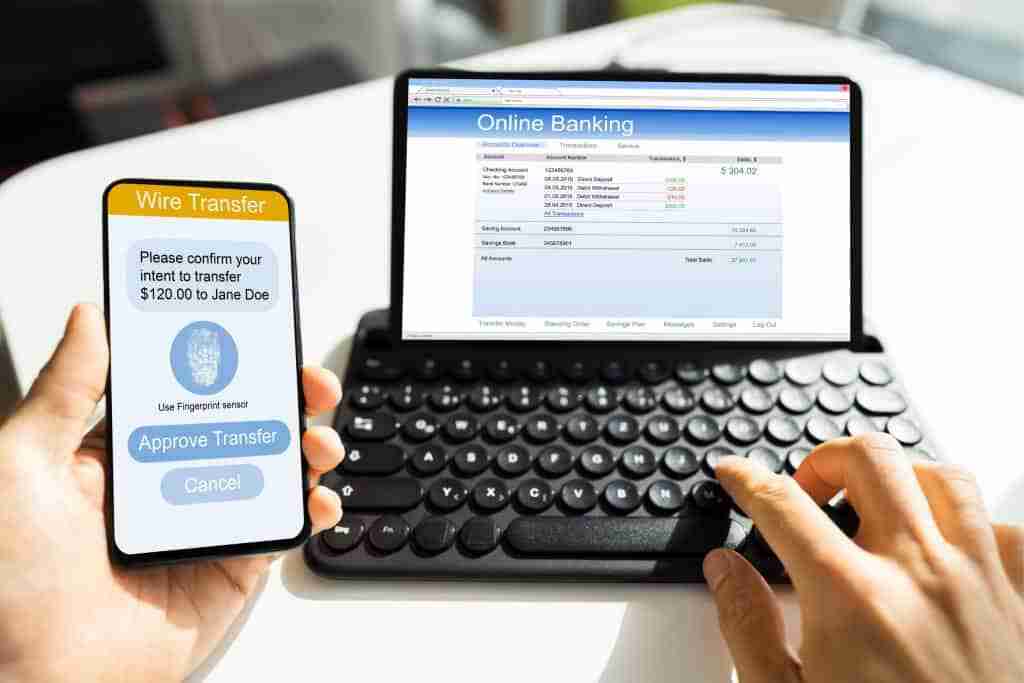
SMS-based MFA is widely used because it is simple to implement, but it has known security weaknesses. SIM swapping attacks can allow an attacker to take control of a user’s phone number and receive authentication codes, and sms based verification codes can also be intercepted in transit.
There is also a risk of interception, particularly with more advanced phishing techniques that capture and replay one-time codes in real time. While SMS MFA is better than having no MFA, it should not be relied on for high-risk systems.
Authenticator Apps vs SMS: Google Authenticator and Alternatives
Authenticator apps provide a stronger alternative to SMS by generating time-based codes directly on a user’s device. For example, google authenticator is a free MFA solution for small businesses, while microsoft authenticator is another common choice for SMBs. Because these codes are not transmitted over a network, they are less vulnerable to interception or SIM-based attacks.
In addition to improved security, authenticator apps offer better usability for most users, with faster access and fewer external dependencies, and some cloud-based tools let employees access MFA codes across multiple devices or via cloud storage backups. This can make it easier to recover mfa codes when switching devices while still keeping controls in place. For SMBs, they represent a practical balance between security and ease of adoption.
Hardware Security Keys for High-Risk Accounts
Hardware security keys offer the highest level of protection for MFA, acting as a physical security token or security token for administrator and high-privilege accounts. If a phone or hardware token used as an authentication device is lost, it should be replaced or reset quickly. Fast deactivation and backup options also reduce security risks when a device is lost or stolen.
Because they are tied to the device and user, they eliminate many of the risks associated with passwords and one-time codes. For critical systems, using hardware keys significantly reduces the likelihood of unauthorised access and strengthens overall security posture.
Device management for lost or stolen security devices
Losing a phone, laptop, or hardware key doesn’t have to mean losing control of your accounts. A clear device management policy — covering fast deactivation, backup codes, and remote resets — keeps security devices from becoming a weak point when they go missing.
What Is Privileged Access and Why Does It Matter for Critical Systems?
Privileged access refers to accounts that have elevated permissions within your systems, such as the ability to install software, change settings, or access sensitive data. These accounts are a primary target for attackers because gaining control of one can provide broad access across your entire environment.
The Risk of Over-Privileged Accounts
Over-privileged accounts significantly increase the impact of a security breach. When users have more access than they need, a compromised account can quickly lead to widespread system access and data exposure.
Administrative accounts are especially valuable targets. Once attackers gain control of an admin account, they can move laterally across systems, disable security controls, and access critical data without restriction.
The Principle of Least Privilege
The principle of least privilege means giving users only the access they need to perform their role, and nothing more. This reduces the potential damage if an account is compromised, as attackers are limited in what they can access or control.
Applying this principle requires regularly reviewing user permissions, removing unnecessary access, and ensuring that administrative privileges are tightly controlled and assigned only where absolutely necessary.
Why SMBs Overlook This Risk
Many SMBs develop their IT environments over time without structured access control. As systems evolve, users often retain permissions that were granted for temporary needs but never removed.
This organic growth leads to environments where access is accumulated rather than managed, creating hidden risks. Addressing this requires a deliberate review process and a structured approach to access management, supported by clear IT strategy and planning.
What Is Passwordless Authentication and Are Passkeys the Future?
As the limitations of passwords become more apparent, the focus is shifting towards passwordless authentication. This approach removes the reliance on traditional passwords altogether, replacing them with more secure methods that are designed to resist modern attack techniques.

What Are Passkeys?
Passkeys are a form of passwordless authentication built on the FIDO2 standard. Instead of using a password, they rely on a cryptographic key pair – with one key stored securely on the user’s device and the other held by the service being accessed.
Authentication is completed using a biometric factor, such as a fingerprint or facial recognition, or a device-based confirmation. This removes the need to create, remember, or transmit passwords during the login process.
Why Passkeys Are More Secure
Passkeys are designed to be phishing-resistant because there is no password to steal or intercept. Since authentication relies on cryptographic verification tied to a specific device, attackers cannot reuse credentials across different services.
This eliminates many of the risks associated with password-based systems, including credential theft, reuse, and automated attack methods. As a result, passkeys provide a significantly stronger and more resilient approach to identity security.
Adoption for SMBs
Adoption of passwordless authentication is increasing, with major platforms such as Microsoft, Apple, and Google supporting passkeys across their ecosystems. This growing support makes it easier for SMBs to begin transitioning away from traditional password-based systems.
While full adoption may take time, the direction is clear. For SMBs, investing in authentication systems that support modern standards is a practical step towards improving security and future-proofing their technology environment.
What Should SMBs Do First to Improve Authentication Security?
Improving authentication security does not require a complete overhaul of your systems. For most SMBs, a small number of targeted actions can significantly reduce risk and close the most common security gaps.
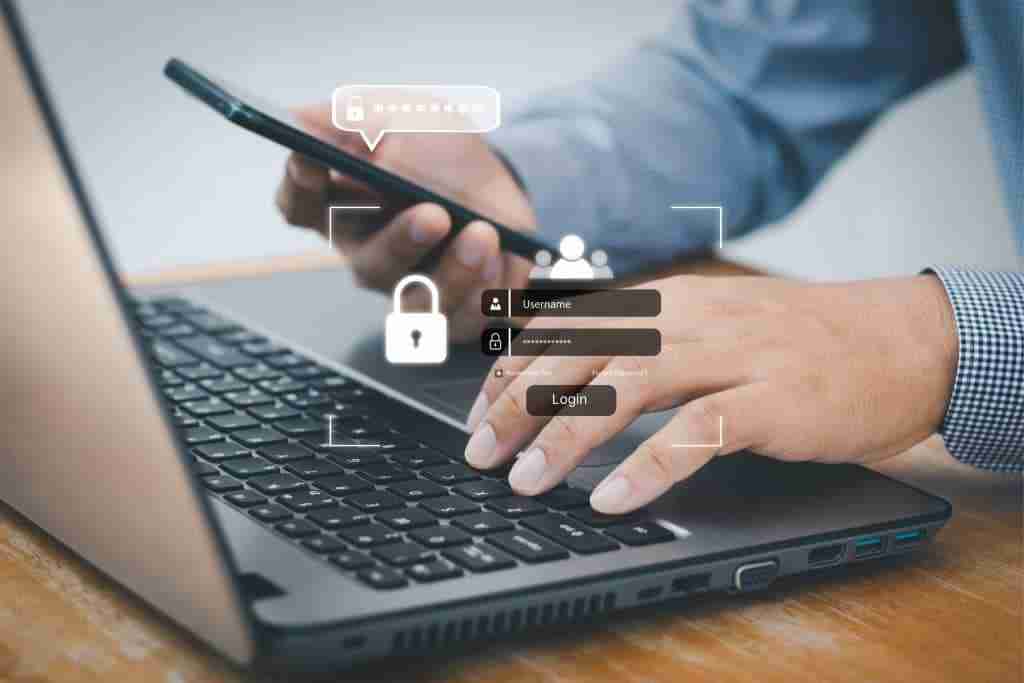
Close the MFA Gap: How to Implement Multi-Factor Authentication
The highest priority is to implement multi factor authentication consistently across all systems, not just selected accounts. To enable mfa, start with email, remote access, and cloud platforms such as google workspace before expanding to other high-risk applications.
Focus on applying MFA consistently to financial systems and any application that handles sensitive data. Eliminating these gaps is one of the most effective ways to reduce exposure to credential-based attacks.
Review Privileged Access
Next, review all accounts with administrative or elevated permissions. Remove unnecessary admin rights and ensure access aligns with actual job requirements.
Reducing privileged access limits the potential damage if an account is compromised and makes it more difficult for attackers to move through your systems. Regular reviews help maintain control as your business evolves.
Update Password Policies
Finally, update your password policies to reflect modern security guidance. Passwords should also be strengthened because evolving cyber threats and exposed credentials make password-only protection unreliable. This includes encouraging longer passphrases instead of complex but short passwords, and implementing breach monitoring to detect compromised credentials.
While passwords alone are no longer sufficient, strengthening how they are managed still plays an important role within a broader authentication strategy. For SMBs, combining these improvements with expert support such as cybersecurity in Brisbane and managed IT services in Brisbane provides a more secure and consistent approach, while also reviewing broader security settings as part of ongoing authentication hardening.
Common Authentication Mistakes SMBs Make
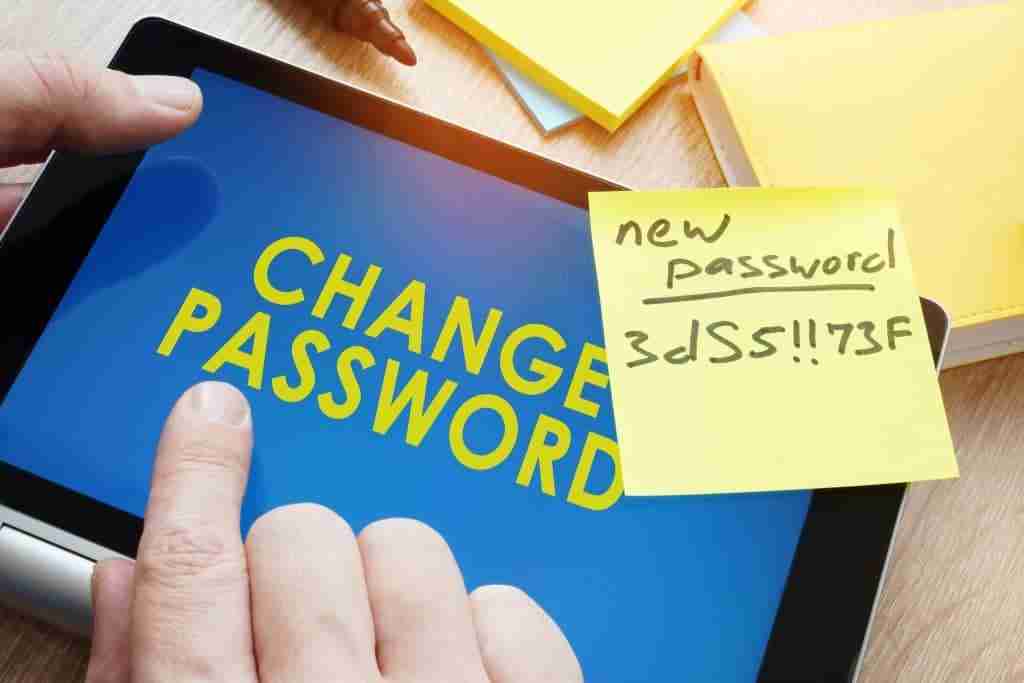
Many SMBs recognise the need for stronger authentication but fall short in how it is implemented. These gaps create predictable weaknesses that attackers can exploit.
Staff should be trained to recognise phishing attempts and mfa fatigue attacks, not just create stronger passwords. Employees also need practical support when using MFA so security controls are followed consistently.
Relying only on passwords remains one of the most common issues. Even strong passwords can be compromised through breaches or reuse across systems, and weak security measures elsewhere in the environment only compound the risk. Partial MFA implementation is another major risk, where some accounts are protected while others remain exposed, creating entry points into the environment.
Using SMS-based MFA for all accounts also introduces avoidable risk, particularly for high-privilege systems, due to its vulnerability to interception and SIM-swapping. Excessive administrative privileges further increase the potential impact of a breach, allowing attackers to move quickly once access is gained.
Finally, many SMBs lack credential monitoring, meaning compromised passwords can go undetected until an incident occurs. Addressing these mistakes significantly improves overall authentication security.
FAQs About MFA and Password Security
What Should Your Next Step Be to Secure Your Business?
Passwords alone are no longer sufficient to protect modern business environments. As credential-based attacks continue to evolve, relying on outdated authentication methods creates unnecessary risk.
SMBs should implement MFA with the right MFA solution and mfa provider that fit their size, risk, and budget. For budget-conscious teams, duo security’s basic plan can be an affordable starting point for smaller deployments. Some mfa solutions include cloud based authentication apps, backup codes, and alternative authentication methods to help users recover access if devices are lost. Managing lost or stolen devices is crucial, so a device management policy should let staff reset access remotely without compromising security. Businesses should test the mfa system regularly and review mfa settings cybersecurity as systems and risks change. At the same time, preparing for a transition towards passwordless authentication ensures your business remains aligned with the future direction of security.
If you’re looking to strengthen your authentication strategy, working with a trusted provider like XCD IT can help you implement consistent, secure controls across your systems. With support available across Brisbane, the Gold Coast, and the Sunshine Coast, you can ensure your business is protected against evolving identity-based threats.

- 8+ Best Cybersecurity Companies in Brisbane (2026 Guide for SMBs) - November 7, 2026
- 20 Best Managed IT Service Companies in Brisbane (2026 Guide for SMBs) - November 7, 2026
- Co-Managed IT: How It Works With Your In-House IT Team - November 4, 2026


