
When it comes to Microsoft Copilot vs ChatGPT, both AI tools can draft content, answer questions, summarise documents, and automate tasks. Both are being used, with varying degrees of success and safety, by small and medium businesses across Brisbane and South-East Queensland.
But they are not the same thing. They work differently, handle data differently, integrate with your systems differently, and suit very different use cases. This guide cuts through the noise and helps Brisbane SMB owners make a sensible, informed decision.
Quick answer: For most Brisbane SMBs already on Microsoft 365, Copilot is the stronger starting point. It lives inside the tools you already use and keeps your data in Australia. ChatGPT has its place too, but the right choice depends on your use case, your data, and your compliance obligations.
What Is ChatGPT?
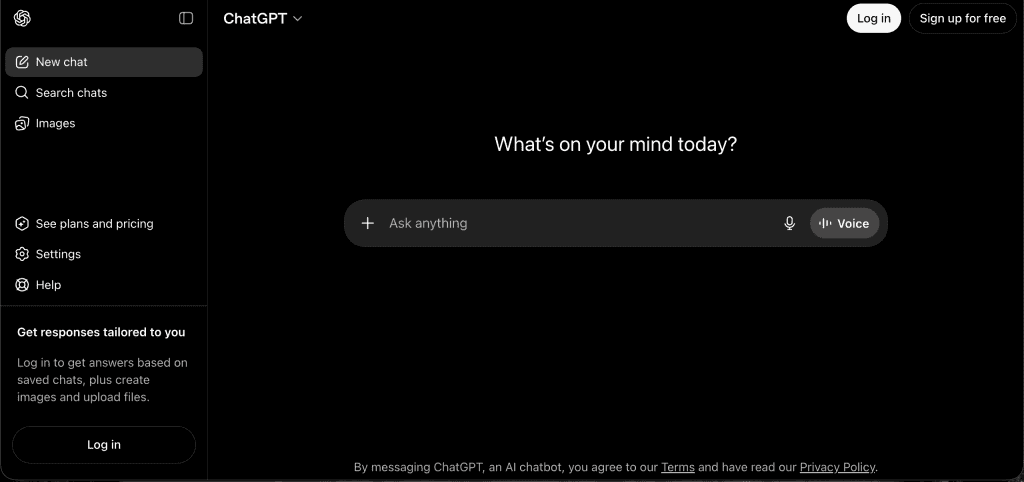
ChatGPT is a conversational AI tool developed by OpenAI. You access it through a web browser or app, type a prompt, and receive a response. It doesn’t connect to your email, your documents, your CRM, or your calendar unless you explicitly integrate it or paste content into the chat window.
It works from whatever you give it in the conversation, and because ChatGPT operates as a separate service from Microsoft 365, it stays independent of your existing systems unless you connect it yourself.
ChatGPT is built on large language models, one of several types of AI models used across the market today.
ChatGPT Is Best For
- Open-ended content generation: drafting, editing, brainstorming with a general-purpose AI chatbot powered by large language models
- Research and summarisation of content you provide
- Writing assistance and proofreading
- Generating ideas, frameworks, and creative output
- Tasks where you want to bring information to the AI, not the reverse
You access ChatGPT through a web browser or app. ChatGPT Free is the free tier with basic access, while ChatGPT Plus is about $20 per month for enhanced features. Depending on the plan and enabled features, it can also support optional file uploads, basic file analysis, image tools, and web browsing.
Australian Privacy Act consideration: The free and Plus versions of ChatGPT may use conversation data to improve OpenAI’s models, making them unsuitable for any work involving client or sensitive data.
ChatGPT Enterprise has stronger protections, but data is processed on OpenAI’s US infrastructure. If personal information is involved, this triggers APP 8 cross-border disclosure obligations under the Privacy Act 1988.
What Is Microsoft Copilot?
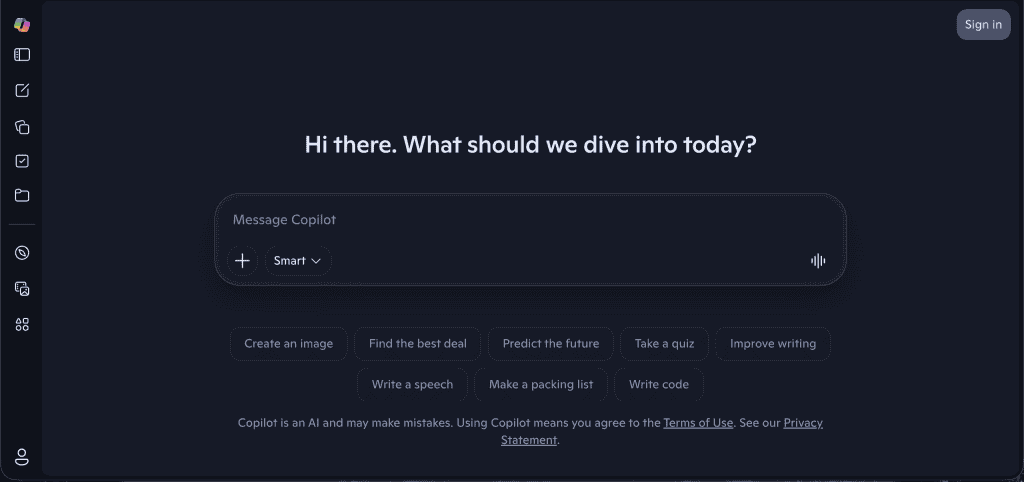
Microsoft Copilot for Microsoft 365 is an AI assistant built directly into Outlook, Word, Excel, PowerPoint, Teams, and SharePoint. More specifically, Microsoft 365 Copilot is the enterprise-focused Microsoft Copilot product, with AI embedded directly across Office apps and other Microsoft apps your team already uses.
Unlike ChatGPT, you don’t bring information to Copilot. It already has access to your Microsoft environment, where Microsoft Copilot works inside the Microsoft ecosystem with native access to Microsoft Graph data and the organization’s data users are already permitted to see, using Microsoft Graph to pull relevant data from emails, files, meetings, and other Microsoft data.
This grounding is powered by what Microsoft calls Work IQ, the intelligence layer that connects Microsoft Graph signals across your organisation so Copilot can ground responses in real organizational data instead of producing a generic answer.
It’s not a separate application. It’s a capability embedded in familiar Microsoft tools and Microsoft Office, designed as an everyday AI companion powered by advanced language models and large language models that extend AI capabilities through AI chat experiences connected to enterprise data. Copilot is also available through Microsoft’s mobile apps, so staff can get the same grounded answers away from their desks.
Depending on the version, Microsoft Copilot requires a qualifying licence, while Copilot Chat may be available at no extra cost for some users, and Copilot’s integration is designed to fit naturally into day to day work.
Copilot Is Best For
- Summarising emails, meetings, and documents within your existing environment
- Drafting content that draws on your actual business files and communications
- Helping with data analysis in Excel spreadsheets you already have
- Creating presentations from existing documents in Office apps
- Microsoft Teams meetings transcription and action item extraction through Copilot Chat
- Supporting task automation and workflow automation across business processes in Microsoft tools
Microsoft 365 Copilot is AI embedded across Microsoft Office and other Microsoft apps, so it works inside the tools your team already uses rather than as a separate platform. It can analyze data and draft content by using Microsoft Graph for secure, contextual access to relevant data in emails, files, meetings, and calendar items, with access limited by existing organisational permissions and enterprise data controls.
Australian Privacy Act consideration: Copilot for Microsoft 365 keeps your data within your Microsoft tenant. It does not use your business data or company data to train Microsoft’s AI models. For Australian customers, data is typically processed in Microsoft’s Australian data centres.
This makes Copilot significantly simpler from a Privacy Act perspective than most consumer AI tools, provided your Microsoft 365 environment is correctly configured for enterprise data protection.
Microsoft Copilot vs ChatGPT: Side-by-Side Comparison
Microsoft 365 Copilot vs ChatGPT Enterprise: Key Differences
| Microsoft Copilot (M365) | ChatGPT Enterprise | |
| Integration | Built into Microsoft 365 apps | Standalone tool / API |
| Data access | Your existing M365 environment | Only what you provide |
| Data location | Your Microsoft tenant (AUS region) | OpenAI US infrastructure |
| Trains on your data? | No | No (Enterprise) |
| Privacy Act risk | Low – if configured correctly | Requires APP 8 assessment |
| Best for | Working with your existing business data | Open-ended generation and creative tasks |
| Licence cost | M365 Copilot add-on (~$30–40/user/month) | ChatGPT Plus / Enterprise subscription |
| IT setup required | Yes – environment review essential | Minimal for basic use |
| Requires M365? | Yes | No |
| Microsoft Partner advantage | Yes – XCD IT can deploy and configure | No |
Which AI Tool Is Right for Your Brisbane SMB: Microsoft Copilot vs ChatGPT?
Choosing between Microsoft Copilot and ChatGPT isn’t a binary decision, but for most Brisbane SMBs there’s a clear starting point.
This quick tools compare highlights the key differences, and many teams end up using both ChatGPT and Microsoft 365 Copilot because their AI capabilities support different parts of day-to-day work.
Start With Copilot If You’re Already on Microsoft 365
If your business runs on Microsoft 365 (email, Word, Excel, Teams, SharePoint), Copilot is the natural first move. This is where the key differences matter: ChatGPT is broader, but many teams use both, while Copilot works inside the Microsoft ecosystem with AI embedded across familiar Office apps in the wider Microsoft environment.
It doesn’t require a new application, a new login, or a change in how your team works. It sits inside the Microsoft tools your staff already have open every day, including Microsoft Office and other Microsoft apps, which means faster adoption and less resistance on the ground. It’s also the better fit for Microsoft first organizations.
The practical use cases are immediate and high-value:
- Summarising long email threads in Outlook
- Generating meeting notes and action items directly from Teams calls
- Drafting proposals, reports, or client communications using your existing documents
- Analysing spreadsheet data and surfacing insights in plain language
- Searching across your SharePoint and OneDrive files using natural language
Because ChatGPT Copilot comparisons usually come down to workflow fit, Copilot works within your work context across Microsoft 365 productivity tools.
Its integration draws on relevant data from your files, email, calendar, and chats via Microsoft Graph to support task automation, workflow automation, and broader business processes for business users handling day-to-day enterprise data.
For Brisbane businesses in regulated industries, such as finance, real estate, legal, accounting, and professional services, Copilot’s architecture offers a cleaner Privacy Act compliance pathway.
Your data stays within your Microsoft 365 tenant and, with the right configuration, within Australia’s data region.
Copilot inherits your existing permissions and controls across Microsoft 365, which helps keep Microsoft data governed. That matters when you’re handling client information, financial records, or anything subject to the Privacy Act 1988.
The Configuration Step Most Businesses Skip
Copilot is not plug-and-play from a compliance perspective. Before enabling it, your Microsoft 365 environment needs to be properly prepared.
Because Copilot’s integration sits inside the Microsoft environment across familiar Office apps, it can surface enterprise data from the places your team already works.
That means reviewing permissions structures, including checking SharePoint and OneDrive permissions before rollout, checking data security settings, ensuring sensitive information isn’t over-shared internally, confirming your data residency options, and establishing a usage policy your team understands.
Businesses that skip this step often expose internal content more broadly than intended the moment Copilot starts surfacing it to business users.
For example, Copilot can draft content, summarise discussions, and support analysis by using relevant context from files, emails, and meetings through Microsoft Graph, so the quality of Microsoft data access matters just as much as the prompt itself.
This is where admin controls, security controls, and compliance controls become essential, especially if you need clear governance over who can access what, with data governance, enterprise governance, enterprise controls, and enterprise protections all needing to be in place for rollout.
That’s also why many organisations treat setup as a prerequisite, not an afterthought. Microsoft 365 Copilot inherits existing Microsoft 365 security and compliance controls when the environment is configured correctly.
Put simply, Copilot inherits the protections already applied across your tenant, and those safeguards matter even more as AI assistance evolves toward AI agents handling more autonomous workflows.
Where ChatGPT Still Belongs in Your Toolkit

ChatGPT remains the stronger choice for tasks that don’t involve your business data: open-ended brainstorming, drafting content from scratch, researching topics, generating ideas, creative thinking, web browsing, image generation, file analysis, data analysis, helping debug code, or working through problems that don’t require access to your systems.
Its broader general knowledge, AI chatbot flexibility, specialized tools, image tools, image generation tools, support for file uploads when you upload files, and ability to work across multiple tools make it well-suited to power users, outward-facing work, and teams in Google Workspace. Its outputs can still reflect limitations or biases in training data.
Many Brisbane businesses end up using both ChatGPT and Copilot in complementary ways: ChatGPT for flexible use across multiple tools, Copilot as AI embedded directly in the Microsoft work context for tasks that draw on internal systems and documents, and ChatGPT for outward-facing or generative tasks, AI chat, and cases where teams need to analyze data.
That’s a reasonable and practical approach, provided both tools are governed appropriately with admin controls, security controls, compliance controls, and data security settings across Microsoft 365.
Copilot uses organizational data through Microsoft Graph permissions, so existing access settings directly affect what it can surface.
The Non-Negotiable for Either Tool
Whichever artificial intelligence tools your business adopts, especially if your team already relies on multiple SaaS platforms, the governance foundation is the same:
- A documented approved tools list that covers each enterprise version in use, the admin controls available to your team, and its security features
- Clear, written usage policies that staff have been trained on, with security controls and compliance controls defined for business users
- An understanding of what data can and cannot be inputted into each tool to protect data security
- For Copilot specifically, a properly configured Microsoft 365 environment reviewed before activation
Brisbane SMBs that build this foundation now are better positioned as these tools become more capable, and better protected if a Privacy Act compliance question ever arises.
Other AI Tools Brisbane SMBs Should Evaluate
Microsoft Copilot and ChatGPT dominate the conversation, but the AI tool landscape is significantly broader.
Depending on your industry, business model, and existing software stack, other tools may deliver equal or greater value, and carry their own compliance considerations worth understanding before adoption.
AI-Powered CRM and Sales Tools
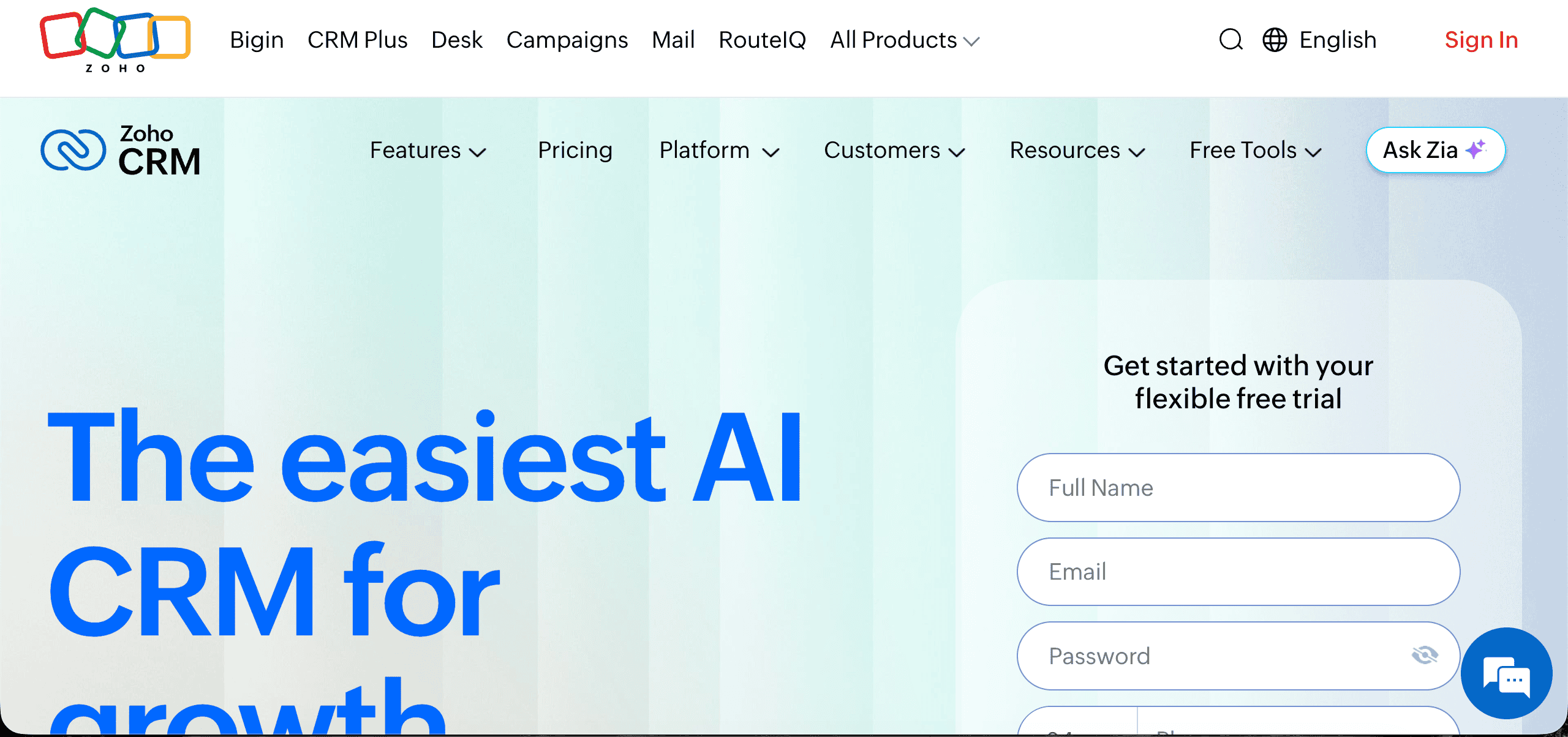
Platforms like HubSpot, Salesforce, and Zoho CRM now embed AI features directly into their sales and marketing workflows.
These include lead scoring based on behavioural data, automated email sequence drafting, pipeline forecasting, and conversation intelligence that analyses sales calls for coaching insights.
For Brisbane SMBs that are sales-driven or managing a high volume of client relationships, these tools can meaningfully reduce administrative load and improve pipeline visibility.
The compliance question to ask: what customer and company data is being fed into the AI features, and where is it processed? Many CRM platforms offer Australian data residency options, but this needs to be confirmed and configured, not assumed.
AI Document Processing and Automation
A category that tends to be underutilised by SMBs but delivers strong ROI in the right context.
These tools automatically extract, classify, and process enterprise data from invoices, contracts, forms, and other structured documents. This supports workflow automation across sales-related business processes, using task automation to cut repetitive tasks and enable file analysis. They can also analyze data for forecasting and pipeline decisions, rather than relying on manual data entry.
For Brisbane businesses in finance, legal, accounting, and professional services, document AI can handle high volumes of sensitive documents efficiently, and that supports data analysis in structured environments.
The Privacy Act implications here are significant: these tools often process personal and financial information at scale, so data handling agreements, storage location, and retention policies all need to be reviewed before deployment.
AI Customer Enquiry and Chat Tools
For businesses managing a high volume of routine inbound enquiries (service businesses, retail, hospitality, trades), AI-powered chat tools provide 24/7 first-response capability without additional headcount.
Some platforms also support file analysis or analyze data extracted from structured documents through an AI chat interface.
Modern tools go beyond scripted responses. An AI chatbot can handle common questions, booking requests, and basic troubleshooting with reasonable accuracy.
These tools also support task automation for repetitive tasks in document-heavy business processes, and are used by business users alongside other specialized tools.
The practical consideration for Brisbane SMBs: these tools work well for genuinely routine enquiries but need clear escalation paths to humans for anything complex, sensitive, or complaint-related. Customers interacting with AI should also be made aware they’re doing so, a requirement that aligns with both good practice and Privacy Act transparency obligations.
Industry-Specific AI Tools: Microsoft Copilot vs ChatGPT
Purpose-built AI chatbot and AI chat tools for routine inbound enquiries exist across a wide range of industries relevant to Brisbane’s SMB economy, with many offered as specialized tools built for customer-service workflows rather than general-purpose assistants:
- Real estate: AI tools for automated property appraisals, listing copy generation, and buyer matching
- Accounting and bookkeeping: AI-assisted reconciliation, anomaly detection, and advisory report generation
- Legal: Contract review, clause extraction, and research tools designed for legal workflows
- Hospitality and retail: Demand forecasting, inventory optimisation, and personalised customer communications
- Construction and trades: Quoting tools, project scheduling assistants, and compliance documentation aids
Some specialised AI tools are role-specific rather than industry-specific. For example, GitHub Copilot provides real-time code suggestions for developers and costs about $10/month for individuals.
For some businesses, a purpose-built industry tool will deliver more immediate value than a general-purpose platform, especially if it needs to fit into business processes, connect with multiple tools, or complement other software you’re already running.
How to Evaluate Any AI Tool Before Adoption
Regardless of category, and because many businesses get more value from specialized tools designed around specific business processes, every AI tool your Brisbane business considers should be assessed against the same four questions:
- What data does it access, and is that appropriate? Understand exactly what business, client, or employee data the tool touches, not just what it needs but what it could access once connected. This matters for business users comparing tools with different admin and compliance settings.
- Where is that data processed and stored? Australian data residency matters for Privacy Act compliance. Confirm this explicitly rather than assuming. Many tools default to US or European infrastructure.
- Does it meet Australian Privacy Act requirements? Review the vendor’s privacy policy, data processing agreements, and whether they’ve addressed Australian regulatory requirements specifically. If you’re comparing premium tiers or an enterprise version, check what extra governance controls and security features are actually included.
- Is there a clear, measurable business case? AI tools should solve a defined problem or deliver a quantifiable efficiency gain. If the use case isn’t clear before adoption, governance and value both suffer. Licensing also matters here: some Microsoft Copilot plans require paid tiers while other options offer broader Copilot access, which can affect value for power users.
Brisbane SMBs that apply this evaluation framework consistently, across every tool and not just the high-profile ones, build an AI governance posture that scales as the tool landscape continues to expand.

Need Reliable IT Without the Surprise Costs?
With XCD IT, you get fully managed IT support for around $100–$250/month per user, with no hidden costs or unexpected bills.
Call 07 3085 7447
For urgent IT issues or immediate assistance
Our support team is ready to help.
Frequently Asked Questions About Microsoft Copilot vs ChatGPT

- 8+ Best Cybersecurity Companies in Brisbane (2026 Guide for SMBs) - November 7, 2026
- 20 Best Managed IT Service Companies in Brisbane (2026 Guide for SMBs) - November 7, 2026
- Co-Managed IT: How It Works With Your In-House IT Team - November 4, 2026


