
Is Microsoft Copilot safe for your business? The honest answer is yes — but only if your Microsoft 365 environment is configured correctly first, since the biggest risks usually come from your own tenant’s data permissions, not from Microsoft itself.
That’s why it’s generating real excitement among small and medium businesses across Brisbane and South-East Queensland, and a fair amount of anxiety too. Copilot drafts emails, summarises meetings, and analyses spreadsheets in minutes — but it works by accessing your existing Microsoft 365 data, so if users already have broad or messy access to business information, Copilot can surface that data just as quickly. For SMBs in regulated industries, that makes safe deployment a compliance issue, not just a technical one.
This guide covers how Copilot handles business data, where the real security risks sit, which Australian legal obligations matter, and the practical controls — permissions audits, sensitivity labels, DLP policies, and staff training — you need before rollout.
Quick answer: Microsoft Copilot is safe – but only if your Microsoft 365 environment is configured correctly first. For Brisbane SMBs, getting that wrong isn’t just a tech problem. It can be a Privacy Act breach.
Is Microsoft Copilot Safe: What Is Microsoft Copilot for Business?
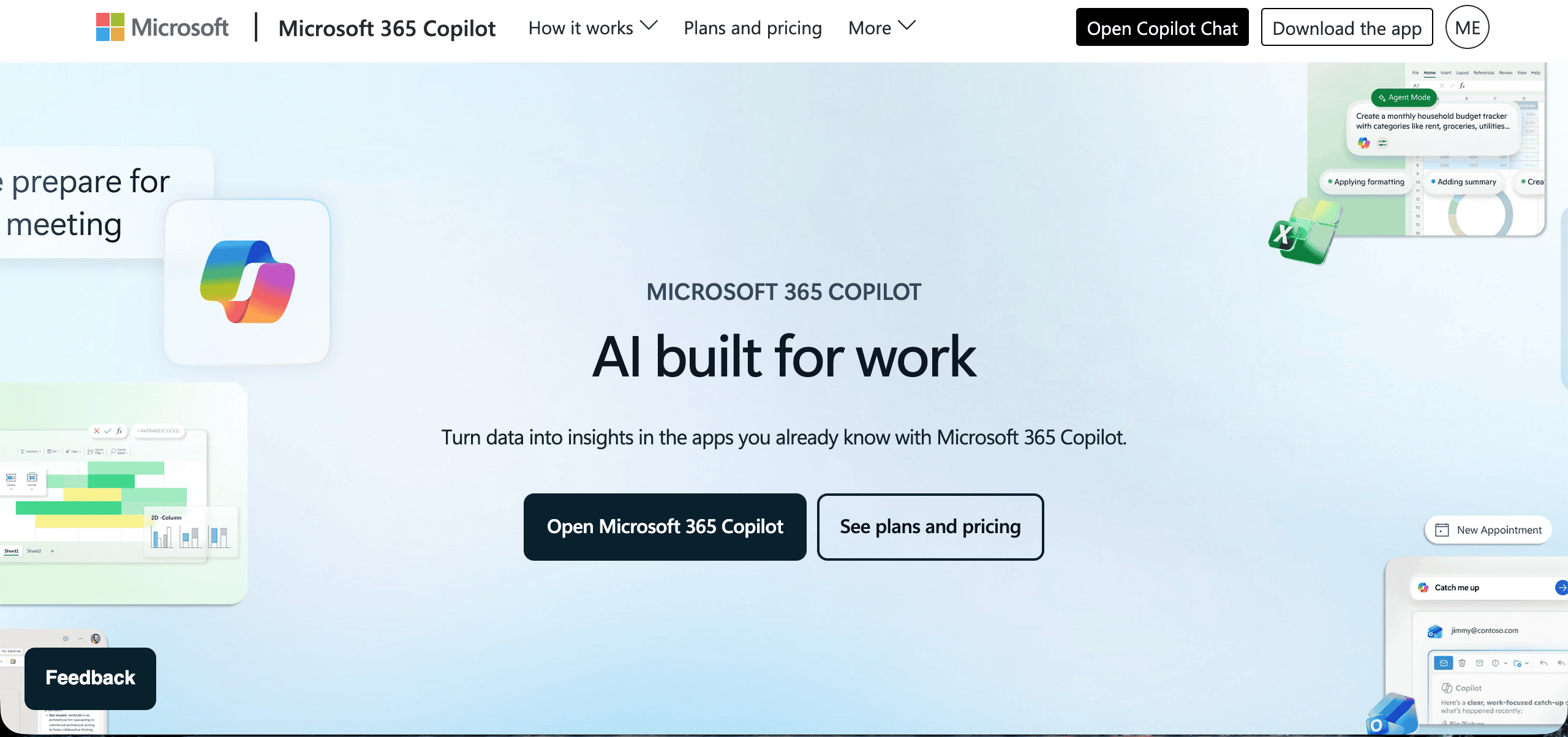
Microsoft Copilot for Microsoft 365 is an AI assistant built directly into the apps your business already uses: Outlook, Word, Excel, PowerPoint, Teams, and SharePoint. It uses large language models (LLMs) – the same underlying approach as ChatGPT – but integrated inside your Microsoft 365 environment rather than outside it.
In plain terms, how does Copilot work? It takes prompts in those Microsoft 365 apps and uses your business context to help draft, summarise, analyse, and organise.
That distinction matters enormously for data security.
How Does Copilot Handle Your Business Data?
Microsoft Copilot for Microsoft 365 does not use your business data to Microsoft Copilot train its AI models. Your data stays within your Microsoft 365 tenant, and with Data Copilot in the Microsoft 365 enterprise environment, it does not leave your organisation’s compliance boundary. It accesses organizational data through microsoft graph within that tenant.
This is the critical difference from consumer AI tools like the free version of ChatGPT, where content you submit may be used to improve OpenAI’s models. Copilot can only surface data that authorized users can already access under existing permissions.
With a paid Copilot licence, Microsoft is explicit: your data remains yours, and prompts and user data in Data Copilot are not used as training data, are not stored externally, and do not train public AI models.
Uploaded files or images may be stored securely for up to 18 months. In other words, microsoft copilot safe use still depends on your tenant’s existing data permissions and broader data protection posture.
It also operates within broad compliance offerings and access control boundaries, including the general data protection regulation for organisations in the european union, so the main risk sits with your tenant setup, source data, relevant data, and how you store data rather than the model itself.
So if the data stays inside your environment – what’s the risk? The answer has nothing to do with Microsoft. It has everything to do with how your own Microsoft 365 environment is set up.
Copilot vs Consumer AI Tools: Key Differences
| Feature | Microsoft Copilot (M365) | Free ChatGPT / Consumer AI |
| Data location | Stays inside your Microsoft 365 tenant | Processed on external servers |
| Used to train AI models? | No – Microsoft explicitly commits to this | May be used to improve models |
| Access to your files & emails | Yes – based on user permissions | Only what you manually paste in |
| Compliance boundary | Microsoft 365 compliance boundary | None – data leaves your environment |
| Requires paid licence? | Yes – M365 Copilot add-on licence | Free tier available |
| Primary security risk | Internal oversharing (permissions) | Data leaving the organisation |
The Real Security Risk: Oversharing Inside Your Own Organisation

The biggest Copilot security threat isn’t Microsoft doing something wrong with your data. It’s Copilot surfacing company data and internal data to the wrong people inside your business.
Here’s how it works. Copilot can access any file, email, Teams message, or SharePoint document that the logged-in user has permission and access rights to access. When a staff member asks Copilot to ‘summarise everything we have on client X,’ Copilot pulls from every file and conversation that person can technically reach – including documents they had never actually opened.
In many small businesses, Microsoft 365 permissions have never been properly reviewed. Files are shared broadly for convenience. SharePoint sites default to organisation-wide access. Old emails with sensitive content sit in shared inboxes. None of this causes an obvious problem – until Copilot arrives and makes all of it instantly searchable and summarisable on request. The primary concern is exposure of confidential information from sensitive documents or confidential documents.
***Security researchers call this ‘oversharing.’***Copilot doesn’t create the problem – it makes existing permissions and erroneous access permissions a practical, immediate data exposure risk rather than an obscure IT issue. Over 15% of business critical files are at risk from oversharing in many environments. Around 16% of critical data is overshared in many organisations, which adds to the security concerns around Copilot-enabled discovery. In some cases, 3% of sensitive data is shared organisation-wide without concern. This oversharing pattern is also the biggest cause of data breaches linked to Copilot-style deployments.
67% of enterprise security teams are concerned about AI data exposure. For Brisbane businesses in regulated industries – accountants, finance brokers, lawyers, real estate agencies – this can mean a client’s personal or financial information is surfaced to a staff member with no legitimate reason to see it. That’s a potential Privacy Act breach.
What Australian Law Requires Before You Deploy Copilot
Under the Privacy Act 1988 (Cth), Australian businesses that hold personal information must take reasonable steps to protect it from misuse, interference, loss, and unauthorised access or disclosure. That obligation extends to how your technology systems are configured, including AI tools like Copilot, and to the broader security implications of deploying it under privacy law. Global regulators and institutions have also raised security concerns, and the US Congress banned Microsoft Copilot in some contexts due to those concerns.
Before switching Copilot on, you must be confident that:
- Users can only access information they are entitled to see through strict access controls, in line with their existing permissions
- Sensitive client data is stored in appropriately restricted locations
- Your Microsoft 365 permission and sharing security settings reflect your actual business policies, and those settings are reviewed regularly
- You have a process for identifying and responding to potential data exposure issues and broader security risks, with support from data security teams
The Privacy Commissioner has made clear that ‘reasonable steps’ means actively managing your data environment – not hoping nothing goes wrong. If your Microsoft 365 environment hasn’t been reviewed since it was set up, deploying Copilot without that review is a compliance risk, which is why implementing access controls before deployment is essential.
For financial services businesses, the bar is higher still. ASIC expects licence holders to maintain adequate technology risk controls. Deploying AI tools without a proper configuration review would be difficult to defend as adequate risk management.
5 Things Brisbane SMBs Must Check Before Deploying Microsoft Copilot
Microsoft Copilot can deliver significant productivity gains – but it amplifies whatever environment it’s deployed into. A well-configured Microsoft 365 tenant makes Copilot more useful and more compliant. A poorly configured one makes existing data governance problems visible, and potentially exploitable, at scale. These five checks are non-negotiable before you switch it on.
1. Microsoft 365 Permissions Audit
Copilot surfaces content based on what each user already has access to – but in most Microsoft 365 environments that have grown organically over time, access permissions are broader than they should be. Documents shared with “Everyone in the organisation,” Teams channels with unnecessarily wide membership, and SharePoint sites with inherited permissions from years ago are common findings.
Before Copilot goes live, a permissions audit should map your actual access landscape across SharePoint, OneDrive, and Teams, including a SharePoint and Teams permission audit, identifying oversharing, orphaned accounts, and access that no longer reflects current roles. What Copilot can surface is a direct reflection of what your permissions allow. Fix the permissions first. Copilot can only surface data to authorized users, but broad or outdated existing data permissions still create exposure. That risk often comes down to unmanaged file access, not just the AI tool itself.
Practical starting point: Run the Microsoft 365 SharePoint Access Reviews and review identity-based access in Microsoft Entra ID, along with your OneDrive sharing defaults in the Admin Centre. For most Brisbane SMBs, this will surface more oversharing than expected. Microsoft Entra helps enforce who should keep access as roles change.
2. Sensitivity Labels and Information Protection

Microsoft Purview’s sensitivity labelling system allows you to classify documents through clear data classification rules – including confidential files, financial data, HR information, legal documents, confidential documents, sensitive documents, and other business sensitive data – and apply restricted permissions to control how they can be accessed, shared, or used. Copilot respects these labels: correctly labelled restricted content will not be surfaced to users without the appropriate clearance. This helps prevent confidential information from being surfaced to users who should not see it.
The problem is that sensitivity labels only work if they’ve been configured and applied. Sensitivity labeling should be applied across critical documents, not just a few high-risk folders. In many Microsoft 365 environments, the labelling infrastructure exists but hasn’t been activated or consistently used. Rolling out Copilot without labels in place means it will treat all your documents as equally accessible, increasing the risk of exposing sensitive data, which is rarely what you want. Organisations handling health information should also apply sensitivity labels to PHI for compliance.
Practical starting point: Review your Microsoft Purview compliance portal, define your sensitivity label taxonomy (typically three to five tiers works well for an SMB), and apply labels to your most sensitive document libraries before enabling Copilot as part of stronger data protection.
3. Data Loss Prevention Policies
DLP policies act as a rule-based safety net – preventing specific types of sensitive information from being shared, exported, or processed in ways that create compliance risk, and they can also help prevent sensitive data from being entered into generative ai tools. For Australian businesses, this includes tax file numbers, Medicare numbers, credit card data, and personal health information covered under the Privacy Act 1988.
Copilot operates within your DLP policy boundaries and existing compliance and access controls boundaries, but only if those policies and other security measures are correctly configured and actively enforced. Many Microsoft 365 environments have DLP policies that were set up at deployment and never reviewed – meaning they may not reflect current data types, current sharing risks, current regulatory requirements, or whether conditional access and permission settings still align with how users work. For health-related records, DLP works best when PHI is also covered by sensitivity labels for compliance.
Practical starting point: Audit your existing DLP policies in Microsoft Purview, run the built-in sensitive information type detection across your document environment, review access controls, and update rules to reflect the types of data your business actually handles, with browser DLP enforcement in approved workflows through microsoft edge.
4. Copilot Licence and Tenant Configuration

This is a distinction that catches many businesses out. There are two separate Copilot experiences in the Microsoft ecosystem:
- Microsoft 365 Copilot (the paid add-on, currently licensed per user per month) is the full enterprise version that integrates with your emails, documents, meetings, and business data, including analyzing data across organisational data in apps like Microsoft Teams and Exchange Online through Microsoft Graph. This is the version with the stronger data handling and Privacy Act compliance pathway.
- Copilot (the free experience bundled into some Microsoft 365 plans) operates more like a general-purpose AI assistant, similar to other AI tools, and does not have the same integration with your tenant data or the same data residency commitments.
Some organisations also assess tools such as Copilot Studio separately because configuration choices can introduce additional security implications.
Some Copilot experiences also use web search via the Bing search service, which should be considered when handling sensitive information.
Deploying the wrong version – or not understanding which version you have – creates both a compliance gap and a capability gap for enterprise users. Microsoft services can be configured correctly at the tenant level, but you still need to confirm your licence type, verify your tenant’s data residency configuration is set to Australia, and ensure Copilot has been enabled through your admin centre rather than through individual user sign-ups or non approved cloud services that could expose customer data.
Practical starting point: Check your Microsoft 365 admin centre under Billing > Licences and confirm your data residency settings under Settings > Org Settings > Organisation Profile.
5. Staff Training on Responsible Use
Technical configuration handles the environment – it doesn’t govern human behaviour. Your team needs to understand how to use Copilot appropriately before they start, not after something goes wrong. Staff should also be trained not to paste sensitive data or confidential data into prompts unless the workflow has been approved.
Effective Copilot training for Brisbane SMB staff should cover:
- Prompt hygiene: What information should and shouldn’t be included in prompts, particularly when working with client data or sensitive business information; Copilot includes content filters that help prevent harmful content generation and defend against attacks, but staff still need to spot prompt injection or malicious instructions hidden in copied emails, documents, or messages
- Output verification: Copilot can generate plausible but incorrect content – because copilot generates drafts and summaries, staff need to understand that outputs require human review before use, especially in client-facing or regulated contexts
- Unexpected surfacing: What to do if Copilot surfaces a document or piece of information that the user shouldn’t have access to, or that raises a concern, as this can result from broad file access or outdated permissions and should be escalated to security teams
- Acceptable use boundaries: Which tasks Copilot is approved for, and which fall outside current policy, with extra review for prompts and outputs involving customer feedback or customer data in regulated businesses
Training doesn’t need to be lengthy – a focused 60 to 90 minute session with written reference material is sufficient for most teams. What matters is that it happens before deployment, not as an afterthought when problems emerge.
How to Deploy Copilot the Right Way
The businesses that get the most value from Copilot – and avoid compliance pitfalls and unnecessary security exposure – treat it as a proper IT project, not a tool you just switch on. Sector-specific compliance can also be supported when the underlying Microsoft 365 controls are configured correctly, including HIPAA scenarios with a signed BAA. A well-run deployment covers four areas:
- Microsoft 365 environment review and permissions cleanup
- DLP configuration and sensitivity label setup
- Copilot licence provisioning and tenant configuration
- Structured staff training on responsible and effective use
These steps strengthen data protection through practical security measures, support enterprise data protection, and reduce avoidable security risks. Microsoft patched Copilot-related vulnerabilities over time as part of ongoing risk management, but tenant configuration still remains the customer’s responsibility.
For a small business, this typically takes a few focused days – not weeks. But it needs to be done properly, by people who understand both the technical configuration and the compliance requirements specific to your industry.

Need Reliable IT Without the Surprise Costs?
With XCD IT, you get fully managed IT support for around $100–$250/month per user, with no hidden costs or unexpected bills.
Call 07 3085 7447
For urgent IT issues or immediate assistance
Our support team is ready to help.
Frequently Asked Questions About Microsoft Copilot Security for Brisbane SMBs

- 8+ Best Cybersecurity Companies in Brisbane (2026 Guide for SMBs) - November 7, 2026
- 20 Best Managed IT Service Companies in Brisbane (2026 Guide for SMBs) - November 7, 2026
- Co-Managed IT: How It Works With Your In-House IT Team - November 4, 2026


